Samsung says this itself, and any site that ignores it is wrong for half the range. On washers, dC is a door error on some models and an unbalanced load on others. 3E is a voltage error on some and a motor error on others. BE2 — or 8E2 — is a jammed button on some and a Mems sensor error on others. On dishwashers, 1E is a clogged filter on WaterWall machines and an overheating tub on rotary ones. Every one of those pages here carries both readings and says which is which.
94 codes · 36 signals
Every code Samsung publishes, and the second language it uses when there is no display.
Samsung reports errors two ways. Machines with a screen show a code; the same machines without one blink their cycle lights, and Samsung publishes what each combination means. Both are here. So is a plain statement about the three appliances it publishes nothing for at all.
- 94 published error codes
- 36 blinking-light and status signals
- 40 light combinations on the dishwasher alone
- 3 appliances with no codes published
The whole archive
Every code, every spelling, and every light combination
Filter by appliance first. The same characters mean different things on different appliances — 3E is a washer motor and a dishwasher water supply — and four codes mean two different things on the same appliance depending on the model.
- 1E Water where it should not be, or a level sensor that cannot agree with itself
- 4C Water is not arriving at the rate the machine expects
- 4C2 The cold inlet is being fed hot water
- 5C The water is not leaving, or not leaving fast enough
- OC More water in the drum than the cycle called for
- bE2 The panel thinks a button is being held down
- 9C1 The supply is not what the machine expects
- dC The door is not being seen as shut and locked
- SDC The dispenser drawer is not fully closed
- SUd Too much foam, and the machine is waiting for it to collapse
- ddC The small add-laundry door is not latched
- Ub The drum cannot be spun safely with the load as it sits
- Cb The machine is recalibrating its weight sensing, which is normal
- dn A firmware update is installing, and the controls are asleep until it finishes
- CL Child Lock has drained the drum because the door was opened
- Refill detergent or softener The bulk dispenser has run out
- 3E the drive motor or its control
- AC two boards that have stopped talking
- 8E the sensor that feels how the drum is moving
- 8E the vibration sensor, on the models that have one
- tE the thermistor reading the water temperature
- HC the heating element or its circuit
- PC the clutch that switches the drum between washing and spinning
- PC1 the sensor watching the clutch
- IE the control's own self-check has failed
- Sr a relay on the main board
- bE the sensor counting how fast the drum turns
- 9C6 the power circuit is running hot
- 9C7 the machine drew more current than it should have
- 18:8J the control is configured for a different machine
- 7E the SilverCare unit on the models that have it
- Extra Large the temperature or size light standing in for a fill error
- Hot & Small the hoses are on the wrong taps
- Small the drain error, in lights
- Tap Cold too much water, in lights
- Cold the panel reads a button as held down
- Door light blinking the door is not seen as shut and locked
- Hot & Warm the load cannot be spun as it sits
- Self Clean a reminder, not an error
- Any other combination sensors and electronics, reported without a specific mapping
- 9C1 The supply reaching the dryer is not what it expects
- bE The panel reads a button as permanently pressed
- dC The door, its latch, or the switch that watches them
- tC The temperature the dryer is measuring is not what it should be
- HC The dryer is not reaching the heat it asked for
- AC The boards inside the dryer have stopped agreeing
- FC The supply frequency is not one the machine accepts
- oD The load is taking longer to dry than the machine allows
- HC2 The burner did not light when it was asked to
- All other errors sensors and components, without a published procedure
- Extra Low and 20 min the frequency error, in lights
- Low a button read as held down
- Medium the boards have stopped talking
- High the door, its latch or its switch
- Other combinations with the lint or vent indicator the combinations Samsung answers with the same first instruction
- 1E two different conditions, and which one depends on the wash system
- 3C the wash pump is not running as it should
- 3E the incoming water is too hot
- 4C water is not arriving at the pressure or temperature the machine needs
- 5C the machine cannot empty itself
- 7E the moving reflector is not traveling as it should
- 9E there is less water in the tub than the cycle needs
- AP not an error — the machine is waiting to be connected to a phone
- bE the panel reads a button as stuck
- CE the panel and the main board have stopped talking
- HC the tub is running hotter than it should
- HE the temperature inside cannot be read correctly
- LC the leak sensor has found moisture in the base
- OC there is more water in the tub than there should be
- PC the Zone Wash function is not working properly
- PE the half-load function is not performing correctly
- tE the thermistor reading the tub temperature
- Auto and Express 60 the panel reads a button as held down
- Auto and Heavy more water in the tub than the cycle called for
- Auto and Normal the tub is running hotter than it should
- Auto the water arriving is not at the pressure or temperature the machine needs
- Delicate and Quick the sensor cannot see the door shut
- Delicate the machine cannot empty itself
- Heavy, Delicate, and Quick the sensor reading the tub temperature is not to be trusted
- Heavy and Delicate the heating element itself
- Heavy and Express 60 the water is not reaching the temperature the cycle needs
- Heavy (models without Express 60) moisture has been found in the base of the machine
- Normal, Delicate, and Quick the incoming supply is above what the machine accepts
- Normal, Heavy, and Express 60 the temperature sensor has shorted
- Normal, Heavy, and Quick the tub filled, and to less than it needed
- Normal and Heavy the temperature sensor is not behaving
- All four (or more) lights are blinking the panel cannot reach the rest of the machine
- Any other combination of lights blinking lights are not always an error
- AP not an error — the cabinet is waiting to be paired with a phone
- 21E the freezer fan is not turning, or not being seen to turn
- 22E the fresh-food fan is not turning, or not being seen to turn
- 41 the screen, with the interior lights flashing blue
- 41C the screen's software, on three-door French door Family Hub cabinets
- 76C water where the Autofill pitcher lives
- 85C a dip in the supply, seen by Family Hub
- 88 88 a surge, a brown-out, or a boot-up interrupted
- PC ER components inside the cabinet have stopped talking
- OF OF not an error — the cabinet is in shop mode and is not cooling
- All icons flashing not an error — the cabinet is checking itself
- Ice Off blinking the ice bucket is out, or not pushed home
- 5E the sensor that watches the defrost cycle
- 8E the sensor on the freezer-side ice maker
- 14E the ice maker's own sensor
- 33E the small heater that keeps the fill tube clear
- 39E the ice maker's own mechanism
- 40E the fan that cools the ice compartment
- 84C the compressor is not starting
- Underlined u the cookware, not the appliance
- Cooktop in use not an error — a burner or element is still on
- -dE- the divider that turns one oven into two
- door the door is not being seen as closed
- tESt not an error — the appliance is in showroom mode and will not heat
- bAd LinE the appliance is not properly connected to its supply
- C-10 usually the test, not the oven
- C-24 the vent behind the cooktop is blocked
- C-F0 two boards inside the appliance have stopped agreeing
- All other error codes the code is real, and Samsung publishes no procedure for it
- C-10 the sensor that watches what is coming off the food
- C-20 the cavity temperature sensor
- C-70 the sensor on the steam-cooking models
- C-A0 the control's own self-check
- C-d0 the door interlocks or the keypad
- C-F0 the boards inside have stopped agreeing
- E-01 an open circuit, a time setting refused, or the swing heater
- E-11 the sensor-cooking side, and the weight sensing that goes with it
- E-21 the temperature sensor, open, short or out of range
- E-41 the second sensor family, plus cooling and a door report
- E-51 the control's own memory
- E-61 the humidity sensor, and the steam sensor on models that have one
- E-81 communication between boards, a stuck key, and the additional-circuit reports
No code here matches that. Codes differ between series, and some are only shown on the service display — call (305) 506-1256 with the model number and what the display is doing.
Every entry here was read from Samsung's own US support pages. Those pages build their tables in the browser: the served HTML contains no codes at all, and several panels are hidden until they are selected. They were read in a browser and archived, and the archive is in this repository. Nothing on these pages is the maker's wording — the code strings, the condition each belongs to and the appliance that shows it are theirs; the meaning and the steps are ours.
The thing that trips people up most
Four codes on this make mean two different things
Washer door error
Not every code is a problem
Several of these mean the appliance is fine
OF OF is Cooling Off mode. tESt is demo mode. AP is a machine waiting to be paired with a phone. SUd is too much detergent and clears itself. Cb is a washer recalibrating. dn is a firmware update installing. Ur is a washer about to try the spin again. Every one of those has a page here saying so, because an owner who reads ‘this is not a problem’ has saved themselves a service call.
Reading a code properly
Four things worth knowing before you look one up
Read the characters exactly
- On this table the digit matters — the microwave alone publishes about fifty codes and many differ by one character.
- A zero and the letter O, and a five and an S, are printed differently on different panels and mean the same condition.
- Photograph the display rather than copying it down.
Check whether your machine has a display at all
- If it does not, the cycle lights are the code and the combination is what matters.
- Note every light that is blinking, in order, before switching anything off.
- Samsung's own caution: on some models the lights blink to show cycle status, so check the machine is actually misbehaving as well.
Do not clear it first
- Samsung asks this explicitly on the refrigerator and dishwasher pages.
- A code that has been reset is information a technician no longer has.
- The exceptions the maker names itself are the voltage codes, where a minute at the breaker is the first step.
Know which model you have
- Four codes on this make mean two different things depending on the model.
- The wash system on a dishwasher, and the fuel on a range, change what a code means and what fixes it.
- The model number is on the appliance and it settles all of it.
If there is no code
Start from what it is doing instead
For freezers, ice makers and range hoods there is nothing to read, so these are the pages that carry the diagnosis.
-
The lights are on and the food is warm Refrigerator not cooling
The most common call on this badge, and the one where the first check is free. Before anything else is considered, a Samsung refrigerator has a mode that lights the whole panel and does not cool at all — and it gets switched on at home by accident often enough that we ask about it on the phone.
- Cooling Off mode looks exactly like a broken refrigerator and costs nothing to clear
- Two fan codes, and the usual cause of both is ice rather than a dead motor
- The sealed system is last and it is measured, never assumed
-
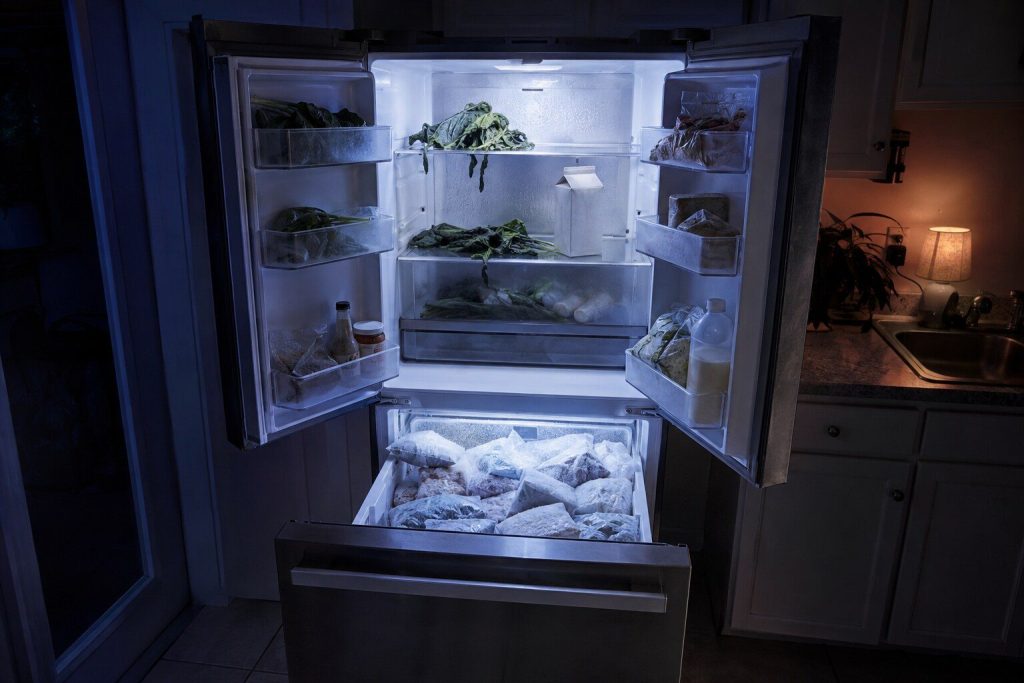
One compartment is fine and the other is not Fridge warm and freezer cold
The most diagnostic thing a two-compartment cabinet can tell you, and worth saying exactly that way when you call. In most Samsung cabinets one cooling system serves both sides, so a split like this points at how the cold is being moved rather than at whether it is being made.
- One system, two compartments — so this is airflow rather than cooling
- The damper between the two is a real and repairable part
- It usually means the compressor is healthy, which is good news
-
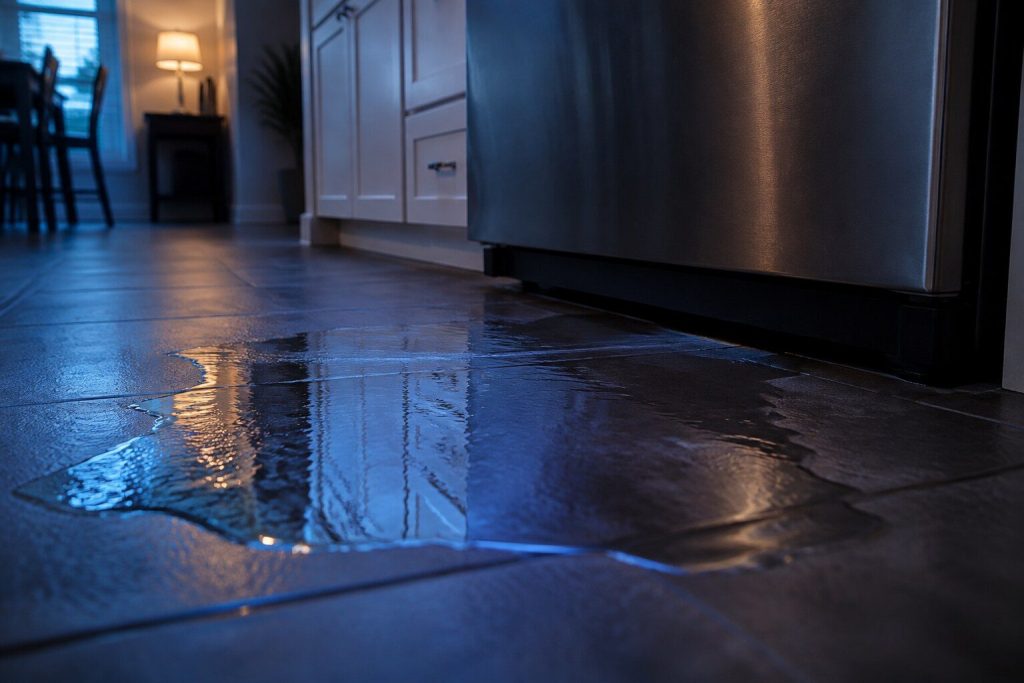
Water inside the cabinet or on the floor Refrigerator leaking water
Where the water shows up is what identifies it, so it is worth looking before you mop. Water under the crisper drawers, water on the floor at the front, and water at the back of the cabinet are three different repairs, and on this make one of them is a small heater that costs very little.
- Where the water sits narrows it more than anything else
- A blocked defrost drain is the most common cause and it is inexpensive
- The water line and the filter head are the other half
-

Buzzing, knocking, or a sudden new sound Refrigerator making noise
Most refrigerator noises are normal and a few are urgent, and the two are told apart by what the sound is doing rather than how loud it is. A new noise that comes and goes with the fan is worth attention; a new noise that arrived with a bang and then stopped is usually ice.
- A fan ticking against ice is the most common new noise on this make
- Some sounds are the cabinet working as designed
- Record it — noises are hard to describe and easy to play back
-
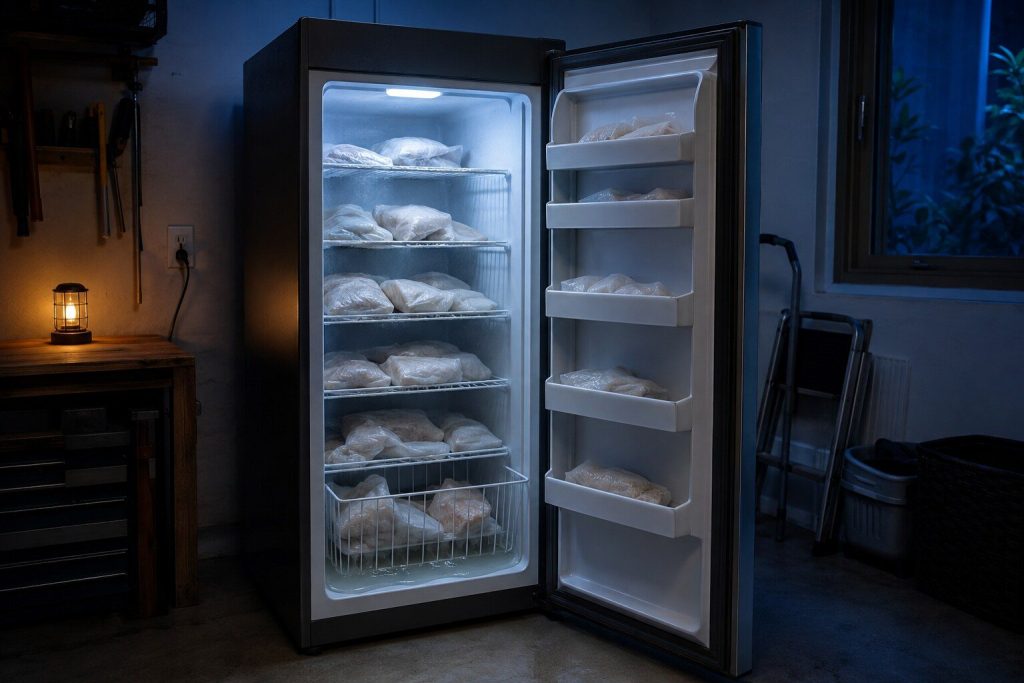
Soft ice cream, and everything else on its way Freezer not freezing
A freezer that has drifted up a few degrees does not announce itself — the food looks fine until it does not. On this make there is no freezer code table at all, so what the compartment is doing is the entire evidence, and the first thing to establish is whether the cabinet is convertible.
- A FlexZone or 4-Door Flex compartment may simply be set to refrigerate
- Samsung publishes no freezer codes — the symptom is the diagnosis
- Airflow and door seal before anything expensive
-
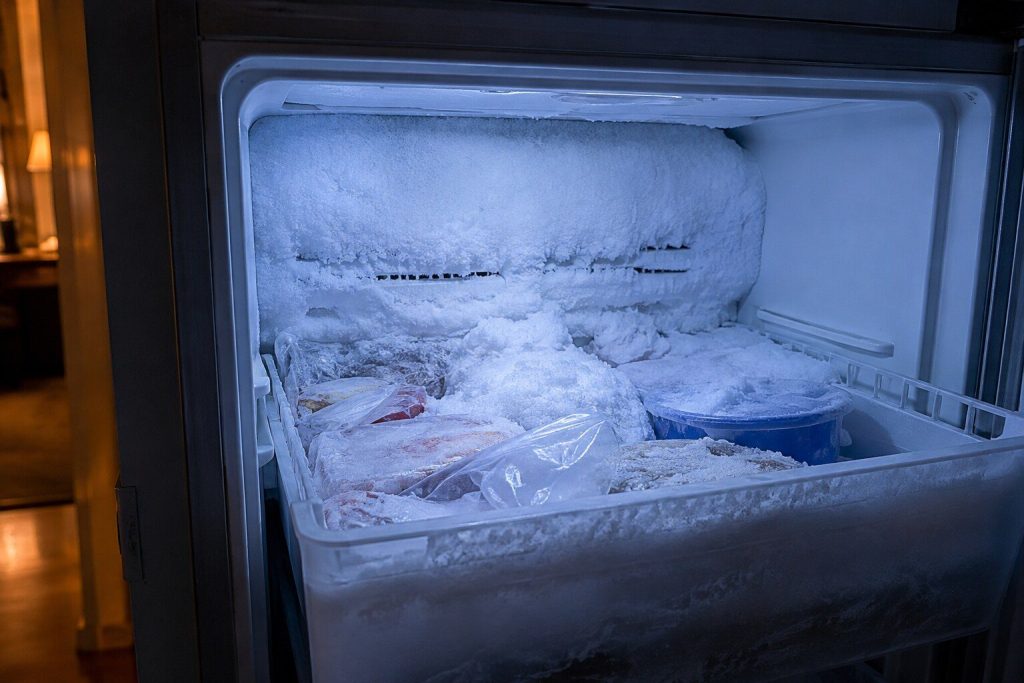
Ice that comes back after you clear it Frost building up in the freezer
A little frost is normal. Frost that returns within days of being cleared is not, and it is one of the more useful complaints because it narrows things quickly: something is letting moisture in, or the circuit that clears it has stopped working.
- Frost that returns is a door or a defrost circuit, not a mystery
- Frost around the ice bucket specifically is usually its own seal
- Clearing it without finding the cause buys about a fortnight
-
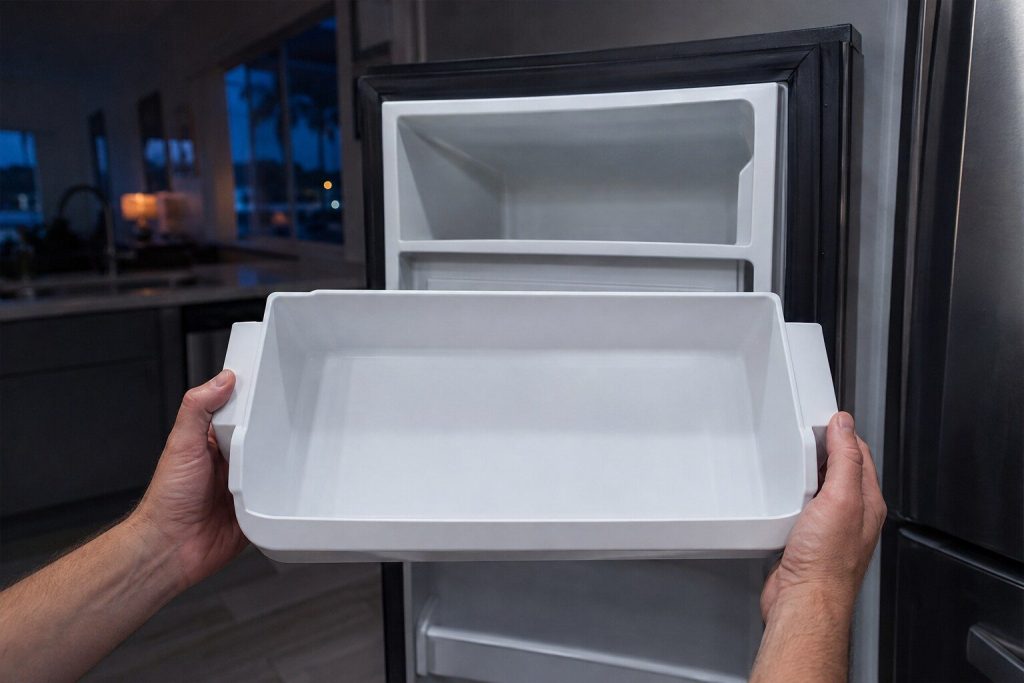
The bin is empty and nothing is happening Ice maker not making ice
The most common single complaint on this badge. Samsung publishes no error codes for ice makers at all, and five different reset procedures depending on where the ice maker sits in the cabinet — so the layout is the first thing to establish, and the free checks come before anything else.
- A bucket that is not fully seated stops production silently
- Five cabinet layouts, five different mechanisms and five different resets
- No codes are published for this appliance — the behavior is the evidence
What is not here
No codes for freezers, ice makers or range hoods
Samsung publishes none, so this site publishes none. That is a deliberate limit rather than a gap: a sibling network once shipped about thirty-eight “codes” that were really symptoms somebody had invented, and this archive is built to make that impossible. The freezer fan code 21E and the ice maker sensor codes 8E, 14E, 33E, 39E and 40E do exist — on the refrigerator table, which is where the maker puts them.

Reading the display
Questions about codes
My code is not on this list.
Then Samsung has not published a meaning for it, and we will not invent one. The general procedure the maker gives — power off for two to three minutes, restart, and if it returns have it looked at — is on the 'other codes' page for your appliance. Write the exact characters down; they are still useful to a technician even when they are not published.
Can I just reset it and carry on?
For some, yes, and those pages say so. For others a reset removes the evidence without removing the cause, and Samsung asks you not to — explicitly, on the refrigerator and dishwasher. The pages here mark which is which.
The lights are blinking but there is no code. Is that the same thing?
Yes. On Samsung machines without a digital display the cycle lights are the code, and the combination is published. Search for the lights you can see — every combination Samsung names is printed on the page for what it means.
Does a code mean the appliance is broken?
Not always, and on this make more often than you would expect it does not. Cooling Off mode, demo mode, calibration, a firmware update, excessive suds and an unbalanced-load retry are all reported as codes and none of them means the appliance is broken.
In more detail
How this archive was built, and what it will not do
One page per condition, not one per spelling
Samsung publishes a condition and then every string that can stand for it: ‘nd, 5E, SE, 5C, SC, 1 5C: No drain error’ is one condition with six names. This archive follows that — one page, six names on it — rather than six pages competing with each other. Search for whichever spelling your machine shows and you will land on the same page.
The second language
Forty light combinations on the dishwasher, ten on the washer, five on the dryer. Those forty carry sixteen distinct meanings, so they are grouped by meaning here rather than made into forty near-identical pages — with every combination printed on the page that owns it.
What this archive refuses to do
Invent. Where Samsung publishes a code and no explanation, the page says the code is real and that the maker has not published what it means. Where Samsung publishes nothing at all — freezers, ice makers, range hoods — there are no pages. That is the whole discipline, and it is why this archive is shorter than some you will find and why every line of it can be pointed at a document.
Read us the code, character for character.
With the model number, that is often enough to name a likely part before anybody sets off. If there is no display, tell us exactly which lights are blinking.
This article is based on:
- Official manufacturer documentation
- Internal repair procedures
- Technician repair history
- Company quality standards