Error code
Samsung washer: Door
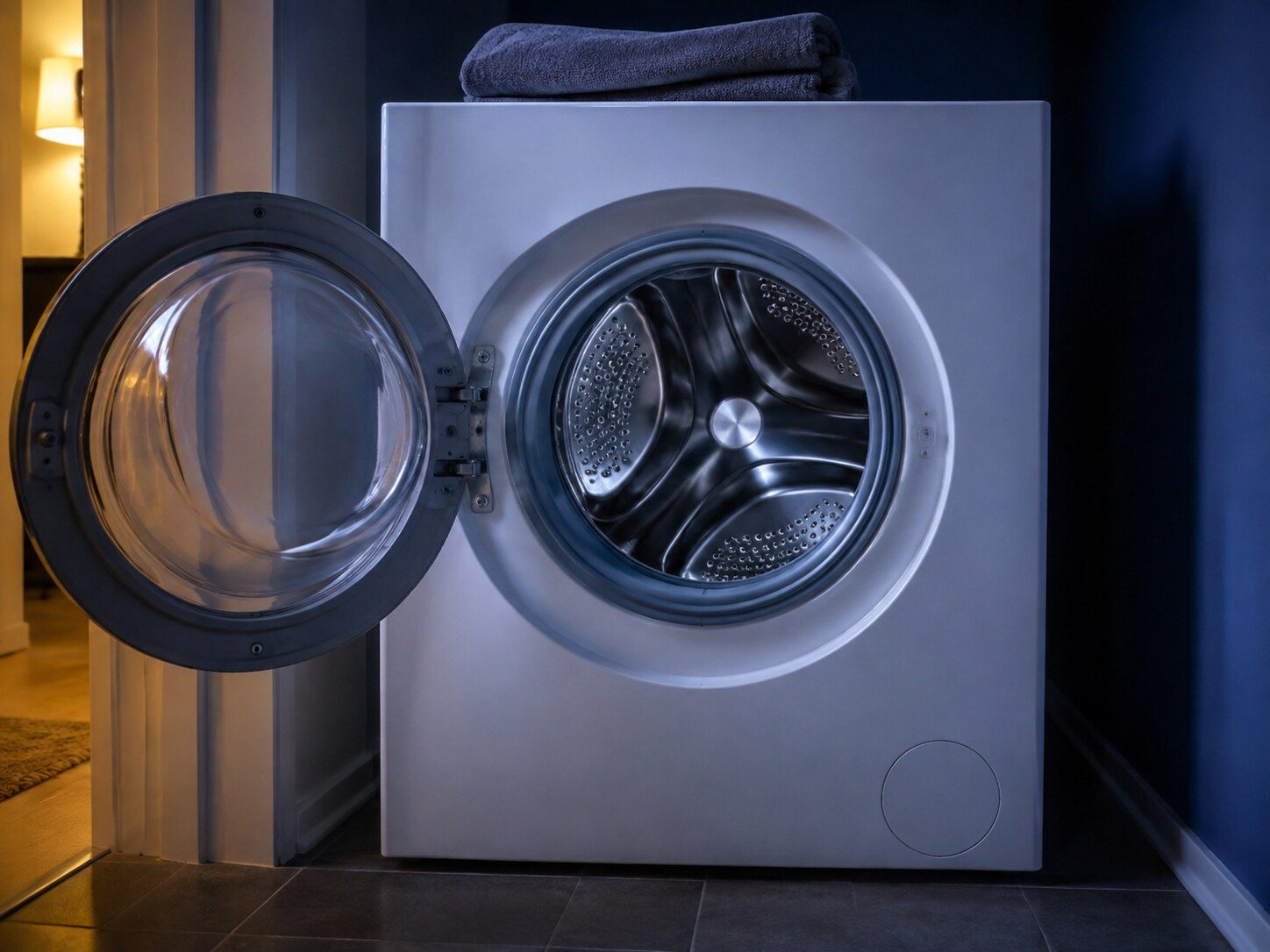
Samsung washer — reported by blinking lights rather than by a code. The machine will not start with any doubt about the door. On these models it says so with the door indicator rather than with dC.
- From $95 diagnostic, credited to the repair
- 59 cities and neighborhoods covered
- OEM parts available on order
- In writing the price, before anything is opened
What we can confirm
Code Door light blinking, from the manufacturer's own documentation
This code has no number, because this equipment has no display to put one on. The appliance signals it instead — an alarm, a symbol or a pattern of lights — and what it means is recorded in the documentation that ships with it.
The code
Door light blinking
The machine will not start with any doubt about the door. On these models it says so with the door indicator rather than with dC.
or call (305) 506-1256
What it narrows down to
the door is not seen as shut and locked
Diagnostic
From $95, credited to the repair
On the same appliance
What else belongs to the washers
On this make a code belongs to the appliance rather than to a product line. These are the other conditions this machine can display, and the models that can show this one — a display often has more than one thing to say, and the model number decides what any of it costs to put right.
Other codes this appliance can display
Water where it should not be, or a level sensor that cannot agree with itself
Water is not arriving at the rate the machine expects
The cold inlet is being fed hot water
The water is not leaving, or not leaving fast enough
More water in the drum than the cycle called for
The panel thinks a button is being held down
The supply is not what the machine expects
The door is not being seen as shut and locked
The dispenser drawer is not fully closed
Too much foam, and the machine is waiting for it to collapse
The small add-laundry door is not latched
The drum cannot be spun safely with the load as it sits
The same digits mean different things on different equipment. Search the full code list
In more detail
About Samsung washer: Door
What the appliance is actually reporting
The machine will not start with any doubt about the door. On these models it says so with the door indicator rather than with dC.
Where this appears, and why not to clear it
On the cycle lights, on a machine with no digital display. Samsung publishes what each combination means, and on those models the combination is the entire diagnosis — it disappears the moment the power is cut. Write it down or photograph the panel before switching anything off. Samsung adds one caution of its own and it saves service calls: on some models the lights blink to show cycle status, so treat it as an error only if the machine is misbehaving as well.
Which machines this one applies to
Models with no digital display, which report by blinking their cycle lights. Samsung itself flags that several of its codes mean two different things depending on the model — dC, 3E and BE2 on washers, and 1E on dishwashers — so the model number is what settles which reading applies to your machine. It also publishes nothing at all for freezers, ice makers and range hoods, which is why those appliances have symptom pages here and no code pages.
What to do about it
- Run a hand right round the seal looking for laundry caught in it.
- Close the door firmly and listen for the latch.
- If it latches cleanly and the lights stay, the switch or the lock is the repair.
Where this goes next
The job this usually becomes is washer door lock repair, and that page carries a starting figure and the reasons that move it. If it turns out to be nothing — and on this make a real share of these are modes, reminders and settings rather than problems — the visit ends there and you pay the diagnostic and nothing else, or call (305) 506-1256 and describe what the panel is doing before booking anything.
This article is based on:
- Official manufacturer documentation
- Internal repair procedures
- Technician repair history
- Company quality standards