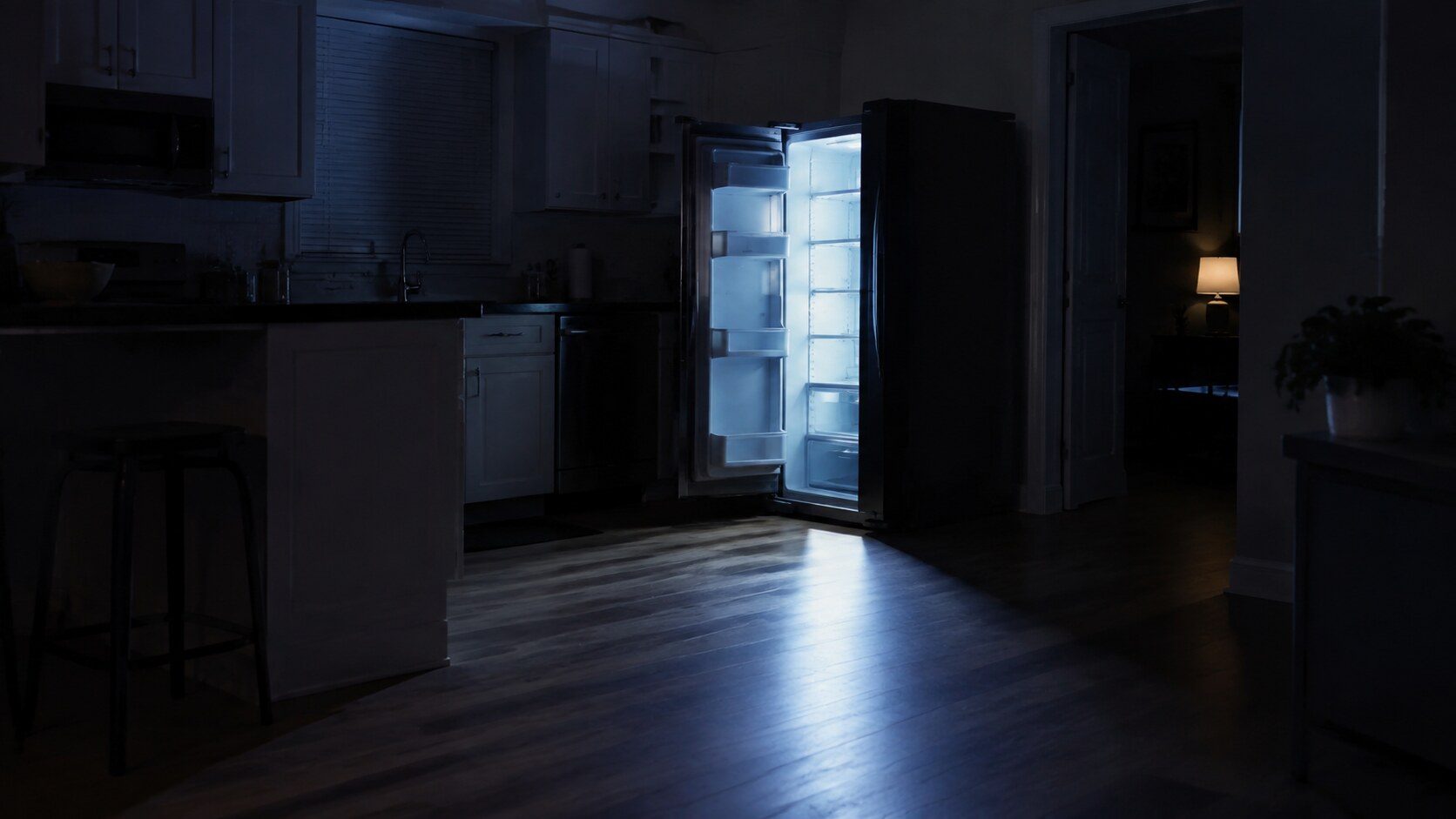
A Samsung refrigerator showing OF OF, O FF or scrolling temperature bars is in Cooling Off mode: the panel is lit, the light works, the buttons respond, and the compressor is deliberately switched off. A Samsung range showing tESt is in demo mode: everything responds and nothing heats, and on gas models the cooktop still lights, which makes it more convincing still. Both are free to clear. Both get switched on at home by accident. Both are the first thing we ask about.
27 symptoms · 11 appliances
Start from what it is doing, because that is what you actually have.
Most people do not have a code. They have a refrigerator that is not cold, a dryer that will not dry, or a dishwasher blinking lights at them. These pages start there — and on the freezer, the ice maker and the range hood they are the whole diagnostic side of this site, because the maker publishes nothing else.
- 27 symptoms with a page
- 3 appliances where this is the only diagnosis there is
- 6 checks on the average page that cost nothing
- from $95 diagnostic, credited to the repair
Start from the behavior
What it is doing, and what that usually means here
Each page carries the free checks first, then the causes in the order they are worth eliminating, then the codes the maker publishes for it.
-
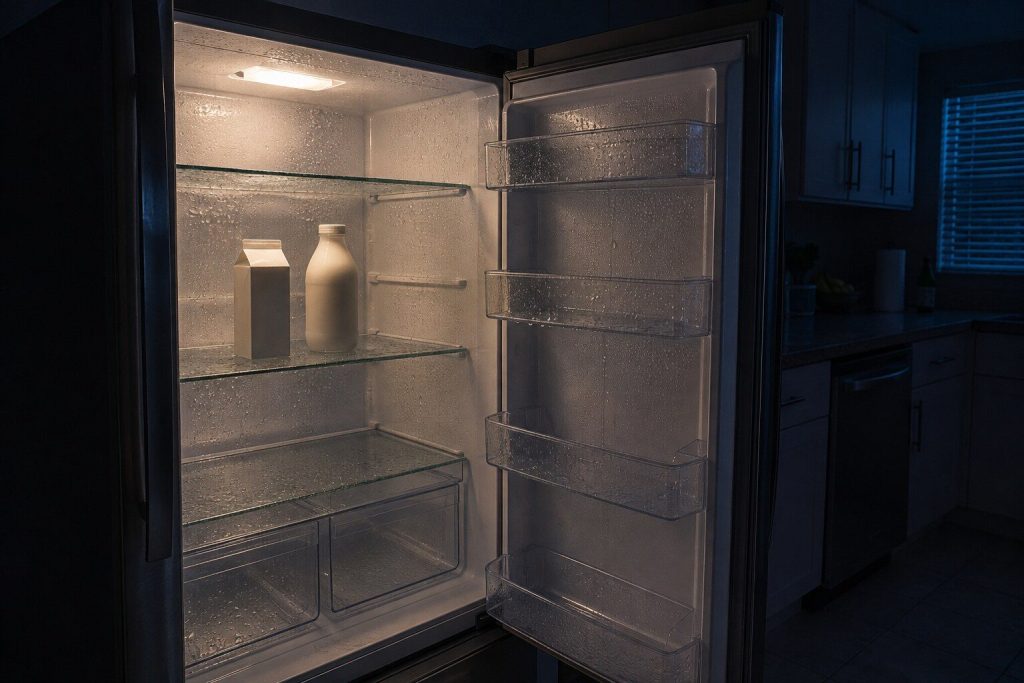
The lights are on and the food is warm Refrigerator not cooling
The most common call on this badge, and the one where the first check is free. Before anything else is considered, a Samsung refrigerator has a mode that lights the whole panel and does not cool at all — and it gets switched on at home by accident often enough that we ask about it on the phone.
- Cooling Off mode looks exactly like a broken refrigerator and costs nothing to clear
- Two fan codes, and the usual cause of both is ice rather than a dead motor
- The sealed system is last and it is measured, never assumed
-
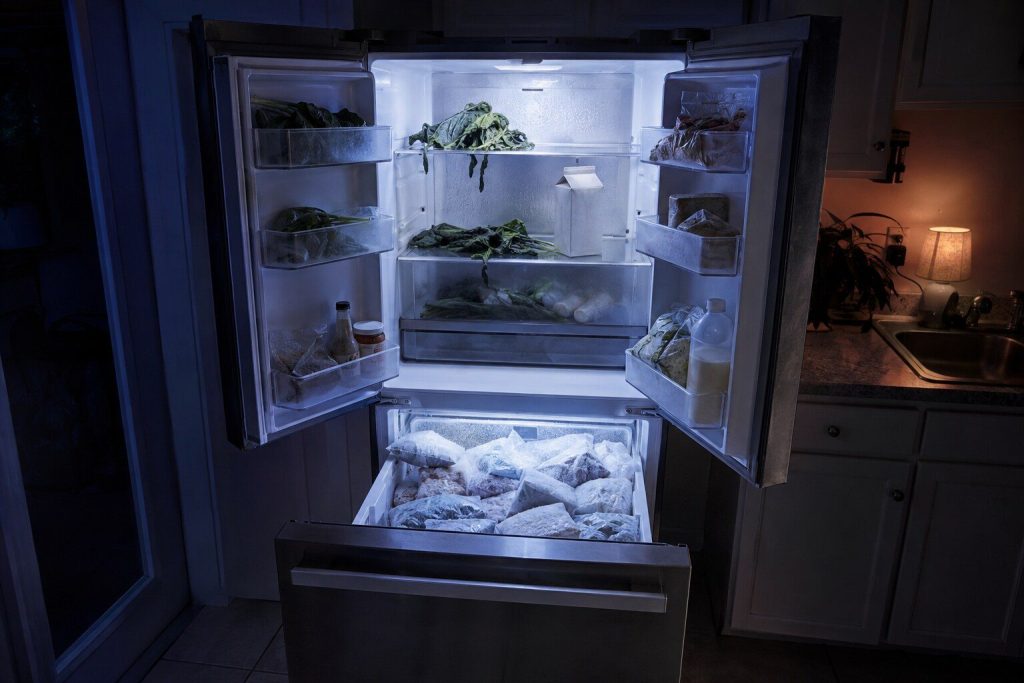
One compartment is fine and the other is not Fridge warm and freezer cold
The most diagnostic thing a two-compartment cabinet can tell you, and worth saying exactly that way when you call. In most Samsung cabinets one cooling system serves both sides, so a split like this points at how the cold is being moved rather than at whether it is being made.
- One system, two compartments — so this is airflow rather than cooling
- The damper between the two is a real and repairable part
- It usually means the compressor is healthy, which is good news
-
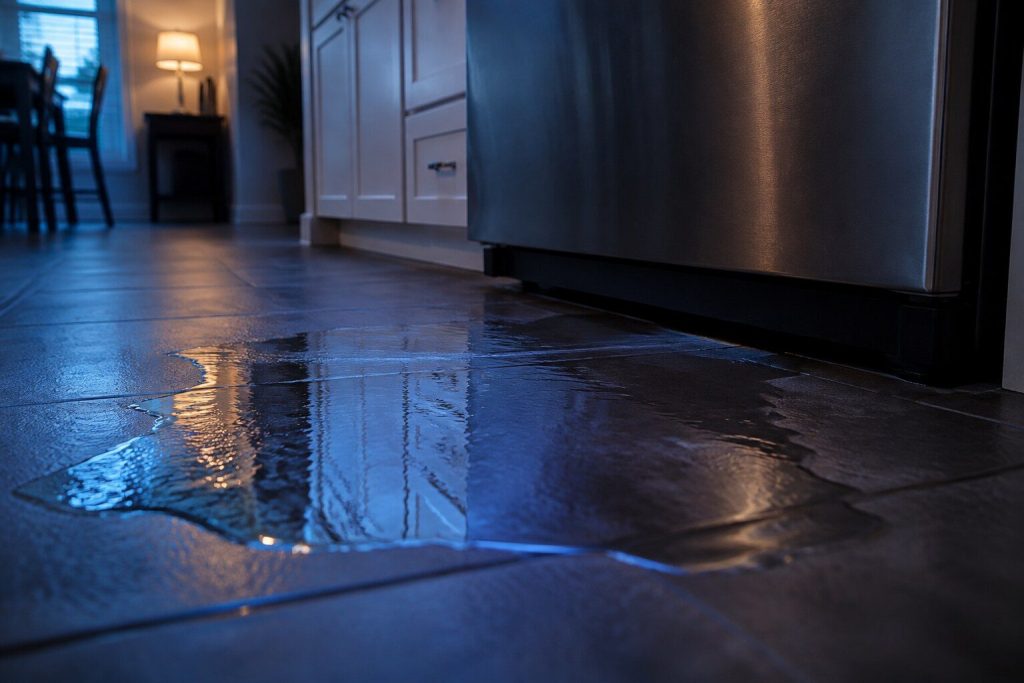
Water inside the cabinet or on the floor Refrigerator leaking water
Where the water shows up is what identifies it, so it is worth looking before you mop. Water under the crisper drawers, water on the floor at the front, and water at the back of the cabinet are three different repairs, and on this make one of them is a small heater that costs very little.
- Where the water sits narrows it more than anything else
- A blocked defrost drain is the most common cause and it is inexpensive
- The water line and the filter head are the other half
-

Buzzing, knocking, or a sudden new sound Refrigerator making noise
Most refrigerator noises are normal and a few are urgent, and the two are told apart by what the sound is doing rather than how loud it is. A new noise that comes and goes with the fan is worth attention; a new noise that arrived with a bang and then stopped is usually ice.
- A fan ticking against ice is the most common new noise on this make
- Some sounds are the cabinet working as designed
- Record it — noises are hard to describe and easy to play back
-
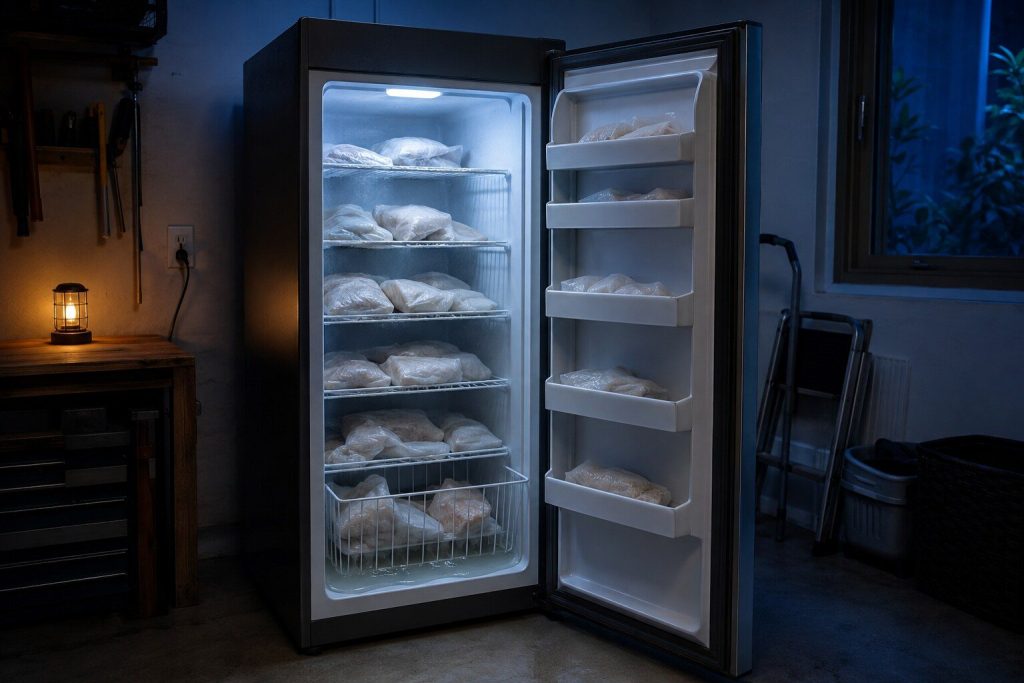
Soft ice cream, and everything else on its way Freezer not freezing
A freezer that has drifted up a few degrees does not announce itself — the food looks fine until it does not. On this make there is no freezer code table at all, so what the compartment is doing is the entire evidence, and the first thing to establish is whether the cabinet is convertible.
- A FlexZone or 4-Door Flex compartment may simply be set to refrigerate
- Samsung publishes no freezer codes — the symptom is the diagnosis
- Airflow and door seal before anything expensive
-
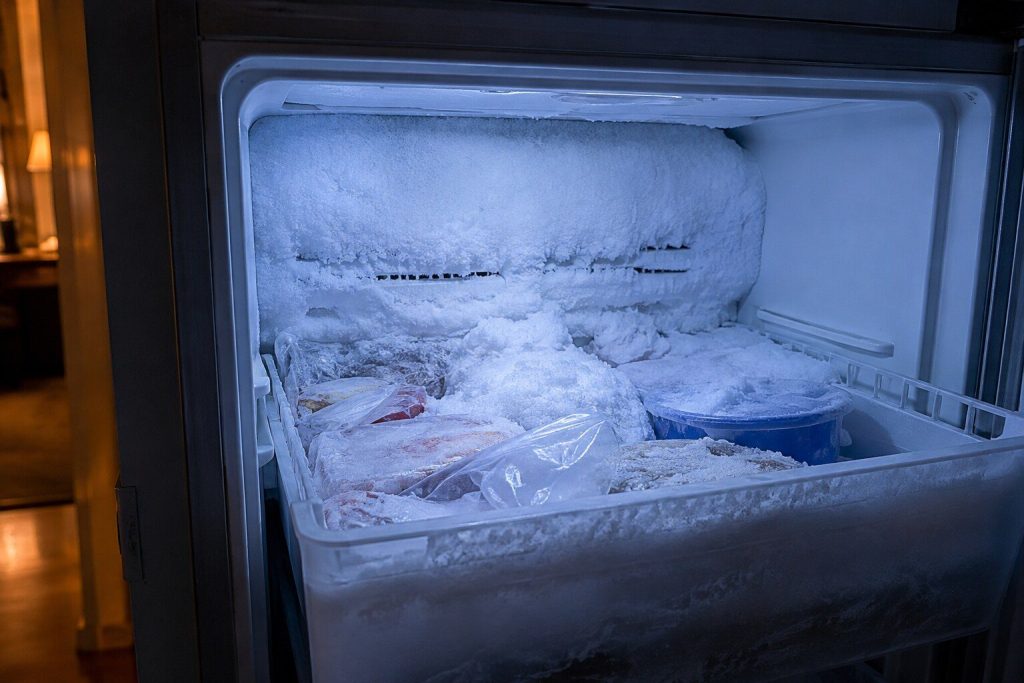
Ice that comes back after you clear it Frost building up in the freezer
A little frost is normal. Frost that returns within days of being cleared is not, and it is one of the more useful complaints because it narrows things quickly: something is letting moisture in, or the circuit that clears it has stopped working.
- Frost that returns is a door or a defrost circuit, not a mystery
- Frost around the ice bucket specifically is usually its own seal
- Clearing it without finding the cause buys about a fortnight
-
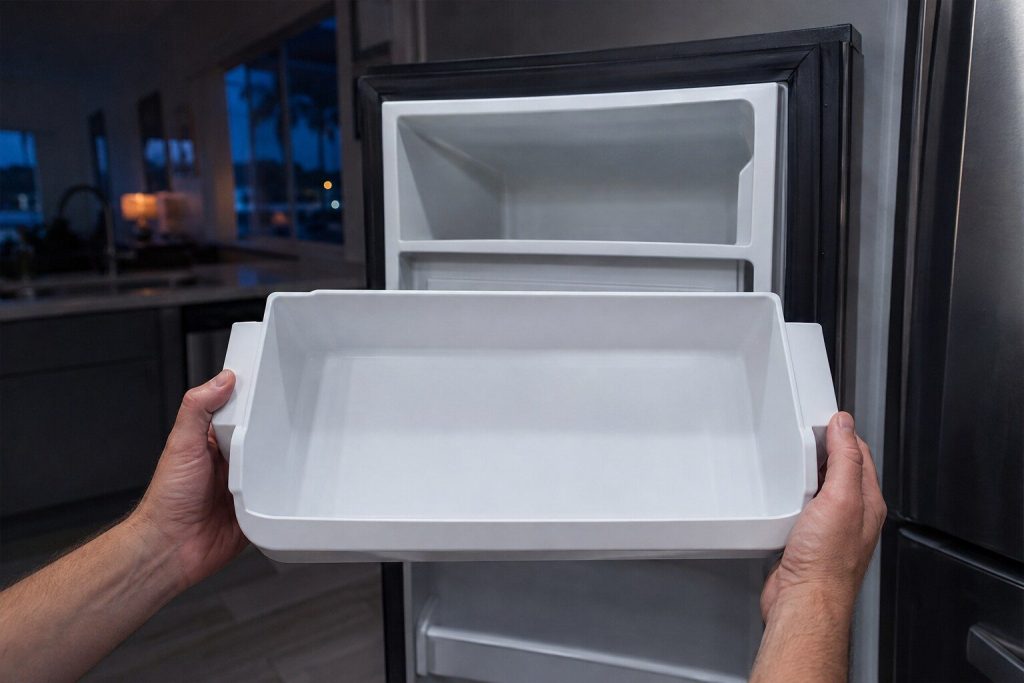
The bin is empty and nothing is happening Ice maker not making ice
The most common single complaint on this badge. Samsung publishes no error codes for ice makers at all, and five different reset procedures depending on where the ice maker sits in the cabinet — so the layout is the first thing to establish, and the free checks come before anything else.
- A bucket that is not fully seated stops production silently
- Five cabinet layouts, five different mechanisms and five different resets
- No codes are published for this appliance — the behavior is the evidence
-
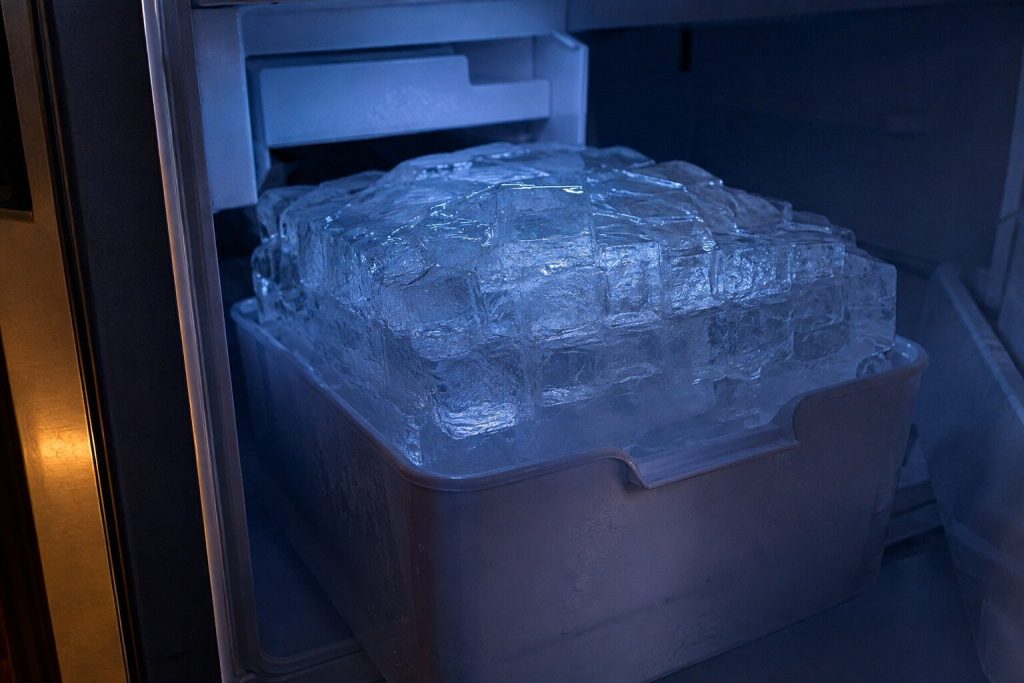
One solid lump instead of cubes Ice maker frozen into a block
The classic Samsung ice-maker failure, and the one where clearing it is the easy half. Ice welds itself into a single mass because the compartment is not staying cold enough or because warm moist air is reaching it — and unless the second half of that is dealt with, it comes back within a few weeks.
- Clearing the ice is the easy half — finding what let the moisture in is the repair
- Seals, compartment temperature and the fan Samsung calls 40E
- Steam and hot water are how people damage the assembly clearing it
-
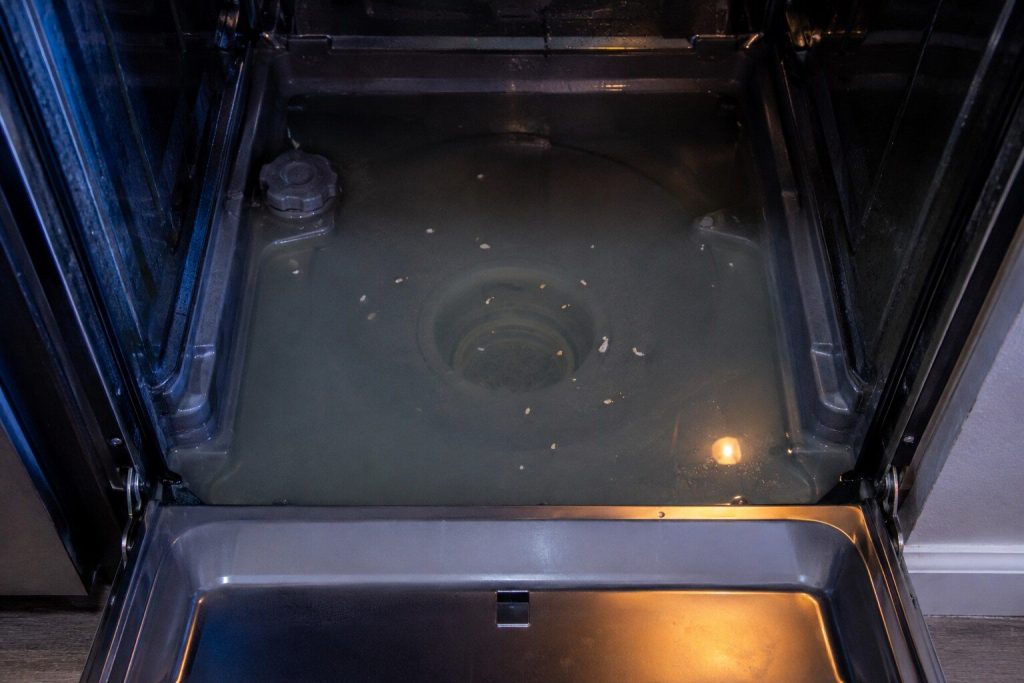
Standing water in the bottom of the tub Dishwasher not draining
Samsung reports this as 5C on machines with a display and as a single blinking cycle light on the rest. The order that resolves most of them costs nothing but time, and one item on that list is why a brand new dishwasher can never have drained since the day it was fitted.
- The filter comes out by hand and most owners never knew it was there
- The disposer knockout plug is the classic never-drained-since-installation cause
- 5C and its blinking-light equivalent are the same condition
-
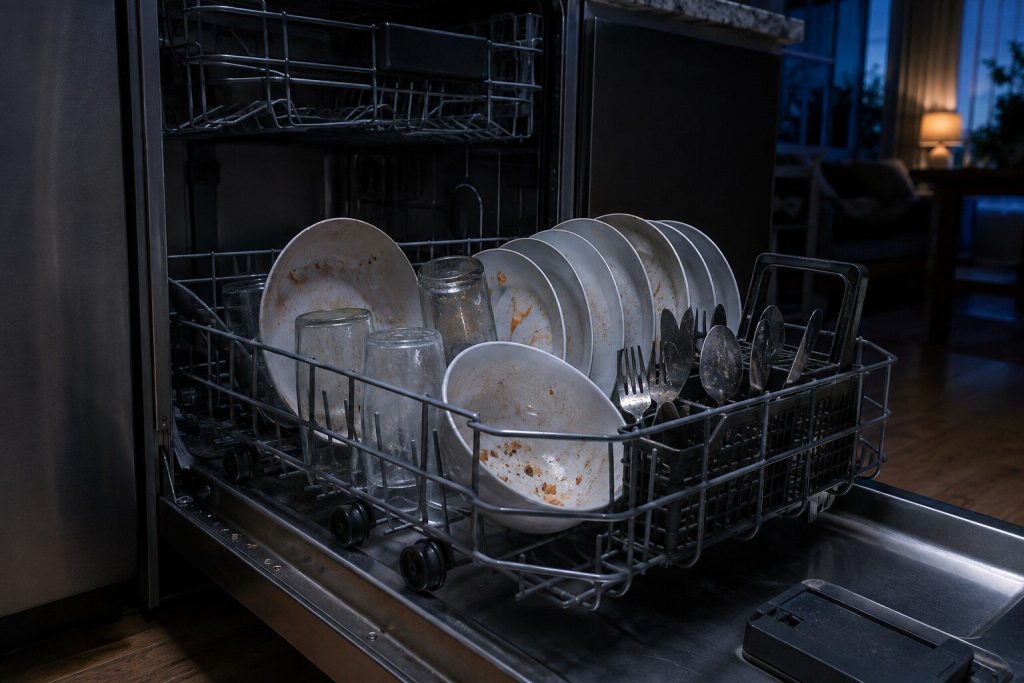
Food left on the dishes and film on the glasses Dishwasher not cleaning
Samsung makes a point on their own support pages that matches what we find: when something is genuinely wrong with a dishwasher, it usually shows up as filling, draining or an error as well. Cleaning alone, with everything else normal, is far more often loading, detergent, water temperature or a blocked arm.
- If nothing else is wrong, this is usually not a repair
- Inlet water temperature is the most common single cause
- WaterWall, Linear Wash and StormWash each fail differently
-
The door is closed and nothing happens Dishwasher will not start
Three families sit behind this, and they are separated by what the panel does. A panel that is completely dead is one thing, a panel that lights and refuses is another, and a machine that beeps and starts a cycle that goes nowhere is a third.
- A door that closes silently is not latching
- Control lock and delay start are set by accident constantly
- A stuck button locks out the whole panel — Samsung's bE
-
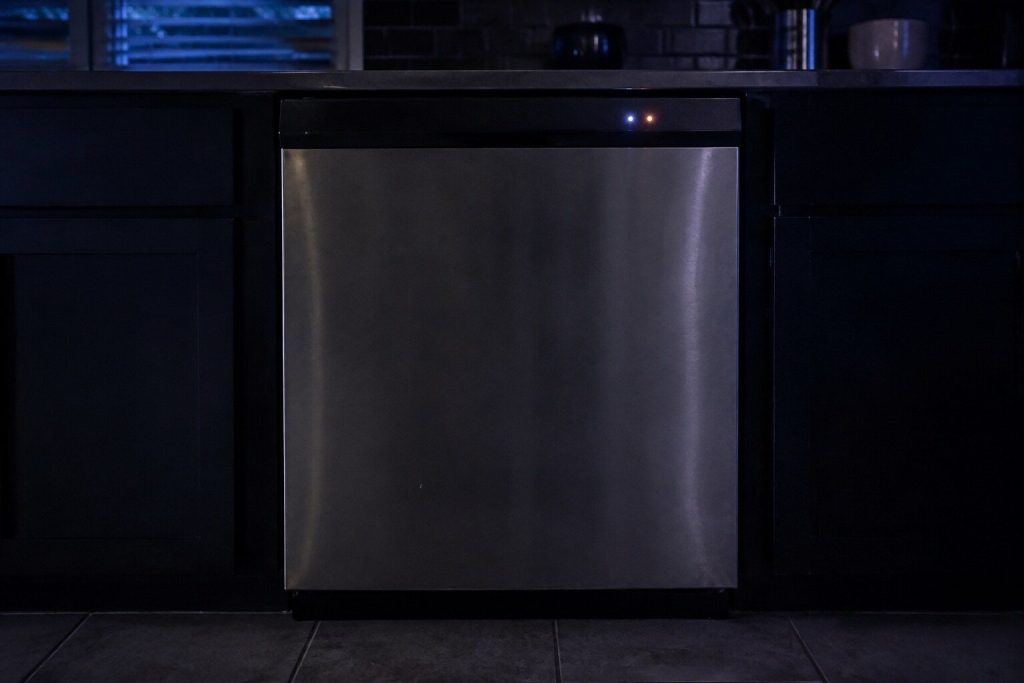
A combination of cycle lights, and no code Dishwasher lights blinking
On Samsung dishwashers without a digital display, the cycle lights are the code. Samsung publishes forty combinations and what each of them means — and it also says something that saves service calls: on some models the lights blink to show cycle status, so it is only an error if the machine is misbehaving as well.
- Forty published combinations, and sixteen distinct meanings behind them
- Write down which lights before you switch anything off
- Blinking alone is not always an error — Samsung says so
-
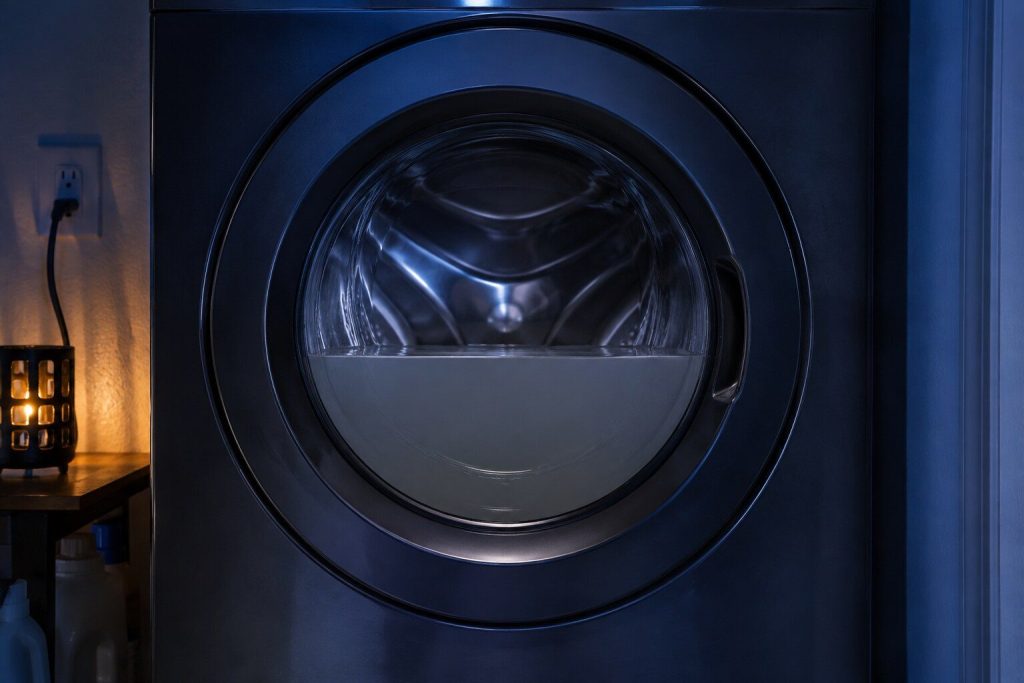
A drum full of water and a cycle that has stopped Washer will not drain
Samsung reports it as 5C or nd, or as a single blinking cycle light. Behind it there is a filter most owners have never opened, a hose that is wrong more often than it is right, and only then a pump.
- The debris filter holds more water than anyone expects — bring a tray
- How far the hose goes into the standpipe matters, in both directions
- 5C and the blinking Small or Low light are the same condition
-
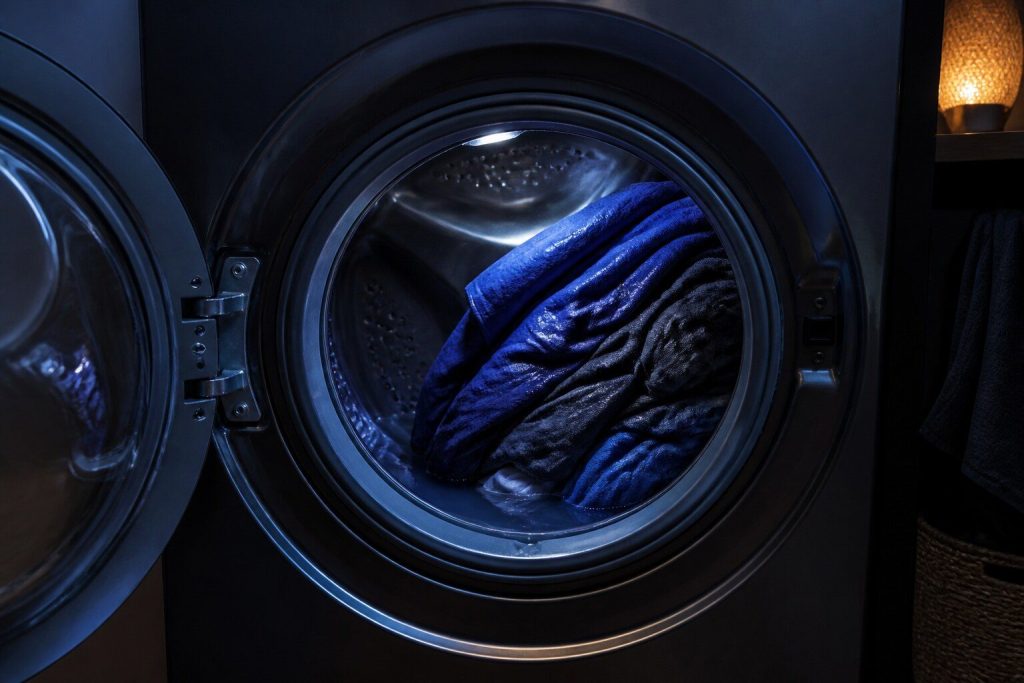
Soaking clothes at the end of the cycle Washer will not spin
Samsung's Ub and Ur codes mean the machine has decided the load cannot be spun safely, and most of the time it is right about the laundry. What turns it into a repair is when it happens with ordinary, well-distributed loads.
- Ur means the machine is retrying, not complaining
- One heavy item is the most common single cause
- A machine that rocks on the floor will never spin cleanly
-
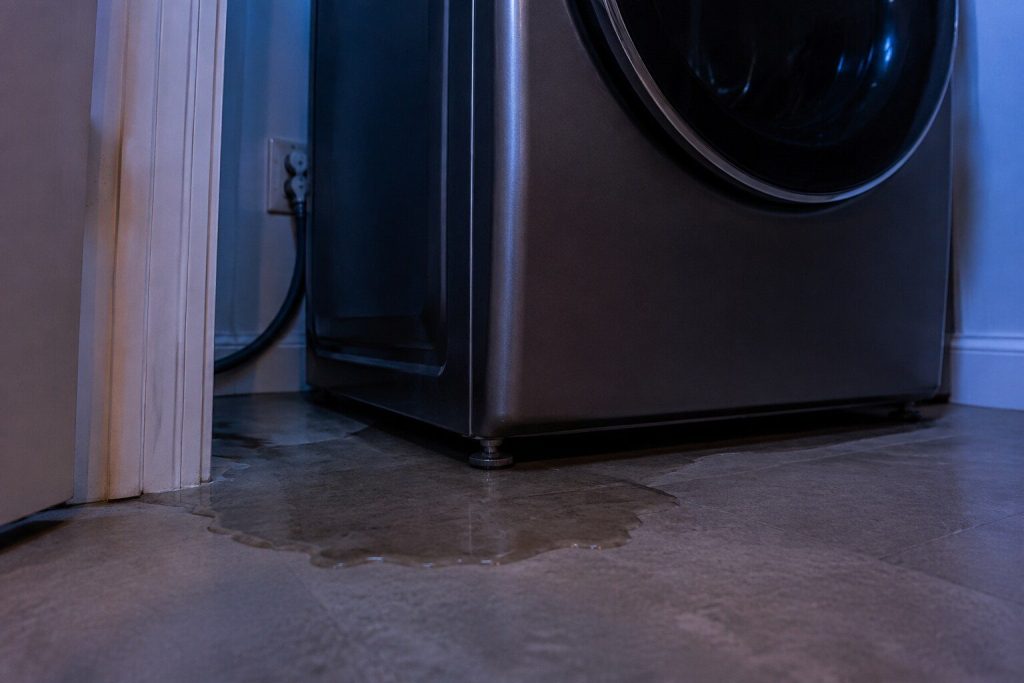
Water on the floor, or a leak code with nothing visible Washer leaking
Samsung's 1E and LC family is the leak and level sensing, and it sits low in the cabinet — so it finds moisture well before your floor does. A leak code with a dry floor is not a false alarm, it is an early one, and that is the cheap end of this repair.
- A leak code with nothing on the floor is early warning, not a mistake
- When the water appears in the cycle tells you where it comes from
- Detergent foam produces this on a machine that is not leaking at all
-
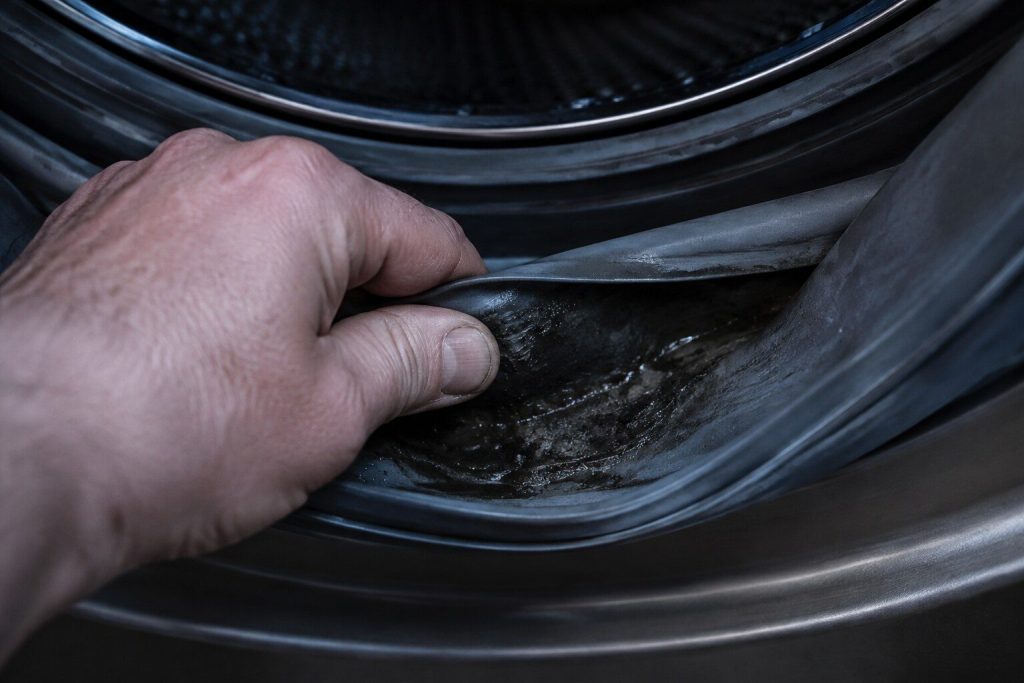
A smell that comes back however much you clean Washer smells musty
The most common non-mechanical complaint on a front-load washer, and in this climate it is close to universal. It is not really the machine: it is biology, living in the places a front loader keeps damp, and it responds to habit far more than to parts.
- Front loaders in Florida are the hardest case for this in the country
- The debris filter and the door boot are where it actually lives
- Samsung's Self Clean reminder exists for exactly this
-
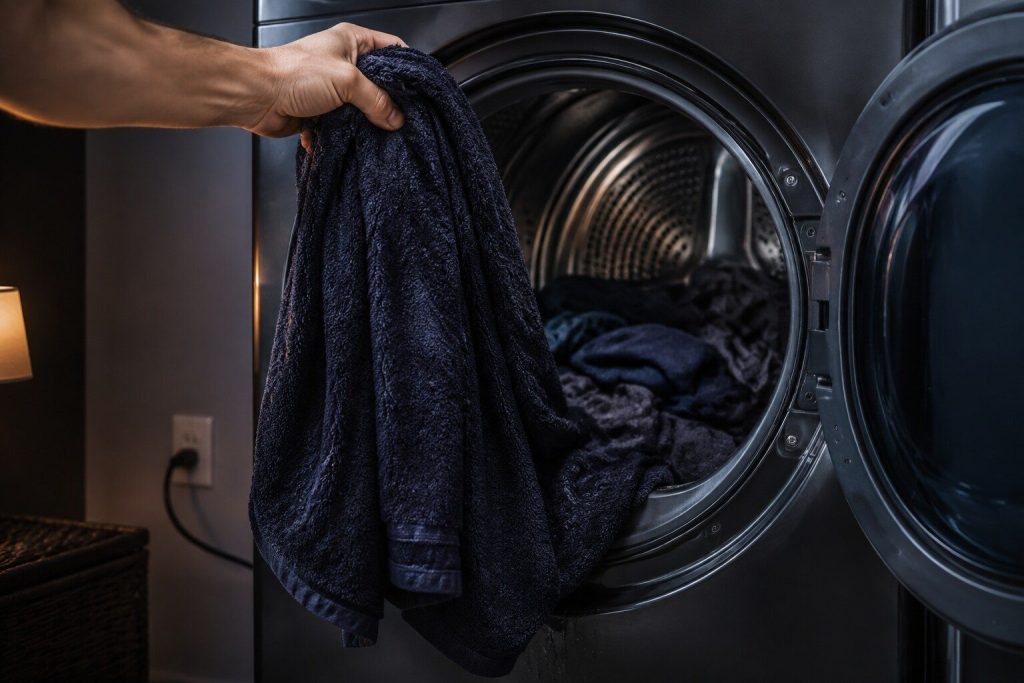
It runs a full cycle and the clothes are still damp Dryer not drying
On a vented dryer this is airflow far more often than heat, and airflow means the duct — which is not inside the appliance, which is why it survives so many service calls. On a heat-pump machine it is usually the condenser or its filter.
- The duct is part of the appliance, and it is where this usually lives
- A lint screen with softener film on it looks clean and passes almost no air
- Heat-pump dryers fail completely differently and are diagnosed differently
-
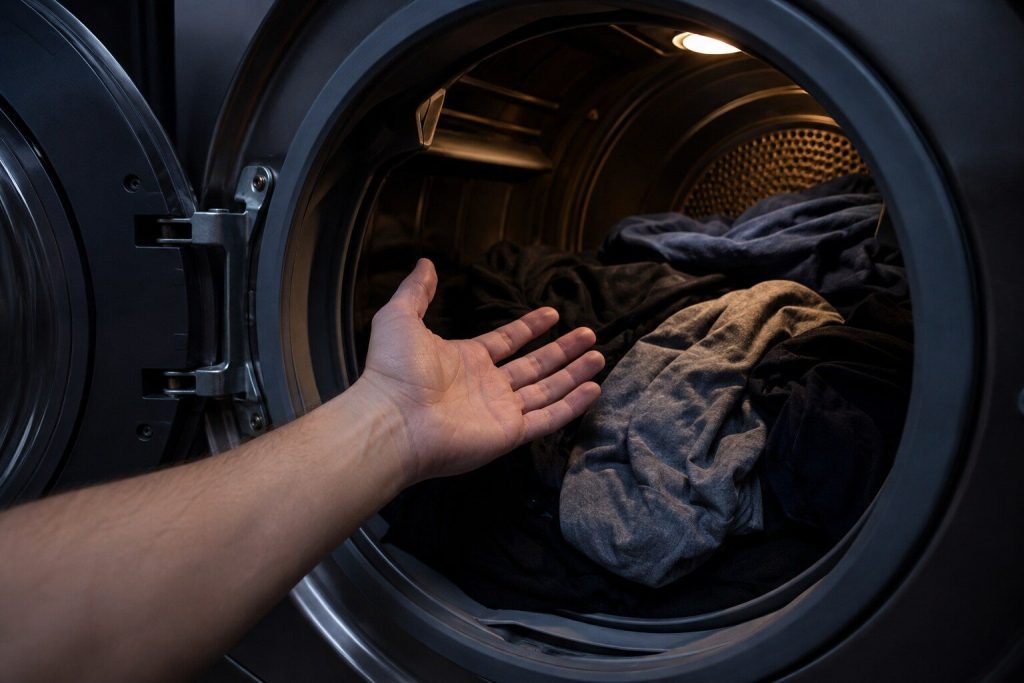
It tumbles and the air stays cold Dryer not heating
Different from a dryer that runs warm and does not dry. Here there is no heat at all, and the list is short: on an electric machine the element, its thermostats or the supply; on a gas machine the burner sequence; on a heat-pump machine the compressor circuit.
- Electric, gas and heat pump make heat three different ways
- Samsung names low supply voltage as a cause on electric machines
- A blown thermal cut-out usually means the duct, not the part
-
The door is closed and nothing happens Dryer will not start
Separated by what the panel does. Dead panel is power; lit panel that refuses is the door, a lock or a stuck button; a machine that starts and stops immediately is something else again.
- A door that closes without a click is not latching
- Samsung's jammed-button condition locks out the whole panel
- On stacked pairs, the washer can report a code for the dryer
-
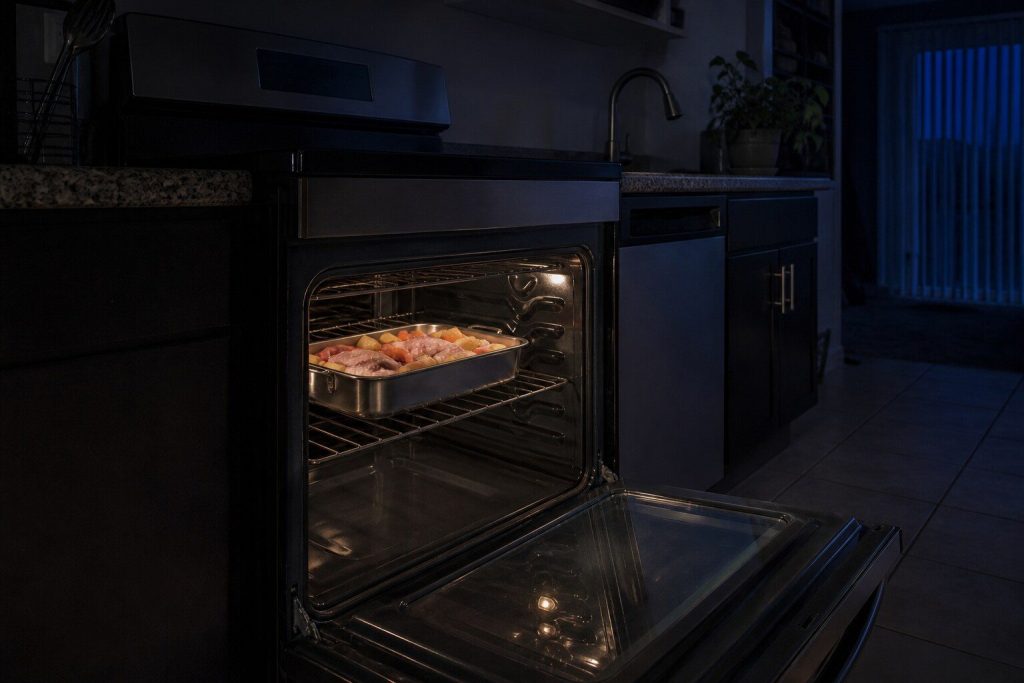
The panel responds and nothing gets hot Oven not heating
Before any part is considered, this make has a mode that produces exactly this and costs nothing: tESt on the display is demo mode, where the range responds to everything and heats nothing. On a gas model the cooktop will still light, which makes it more convincing still.
- Demo mode produces this exactly, and it is free to clear
- Bake, broil and convection are three separate elements
- On gas, the oven igniter is the usual answer and it is visible
-
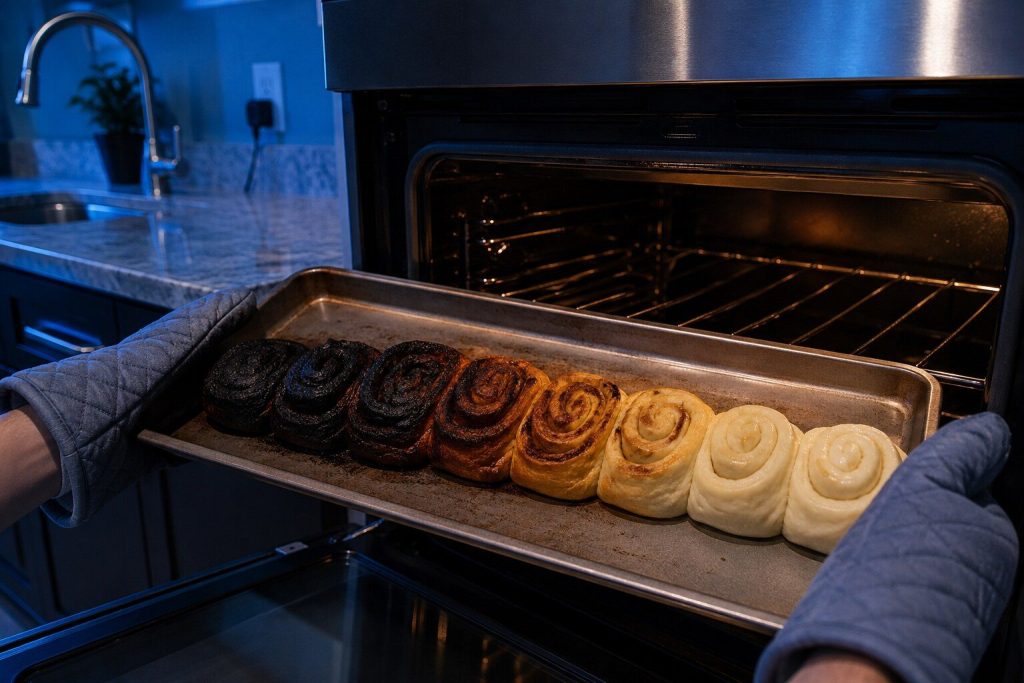
It says 350 and it is not 350 Oven temperature is wrong
Ovens drift, and they drift more over ten years than anybody expects. The question is whether the drift is inside what the control can absorb — in which case calibration is the whole repair — or whether the sensor has stopped telling the truth.
- Measured with an independent probe, not argued about
- Samsung's C-24 means the oven is heating too fast, and the cause is a blocked vent
- Calibration is free of parts where the offset is small enough
-
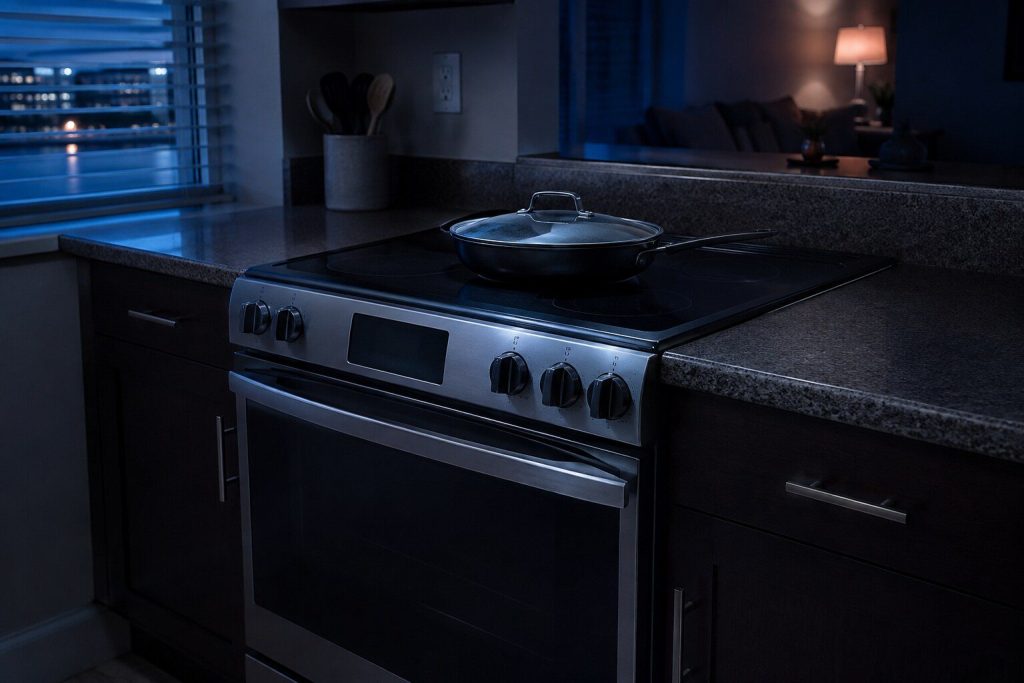
A dark panel, or one that responds and does nothing Range will not turn on
A completely dark panel on a range is a supply question. A panel that lights up and refuses is a mode, a lock or an interlock — and on this make there are two specific interlocks worth knowing about before anybody is called.
- Samsung's bAd LinE means the power connection, not the appliance
- Cooktop in use blocks Self Clean and is not an error
- Control lock is set by accident while cleaning, constantly
-
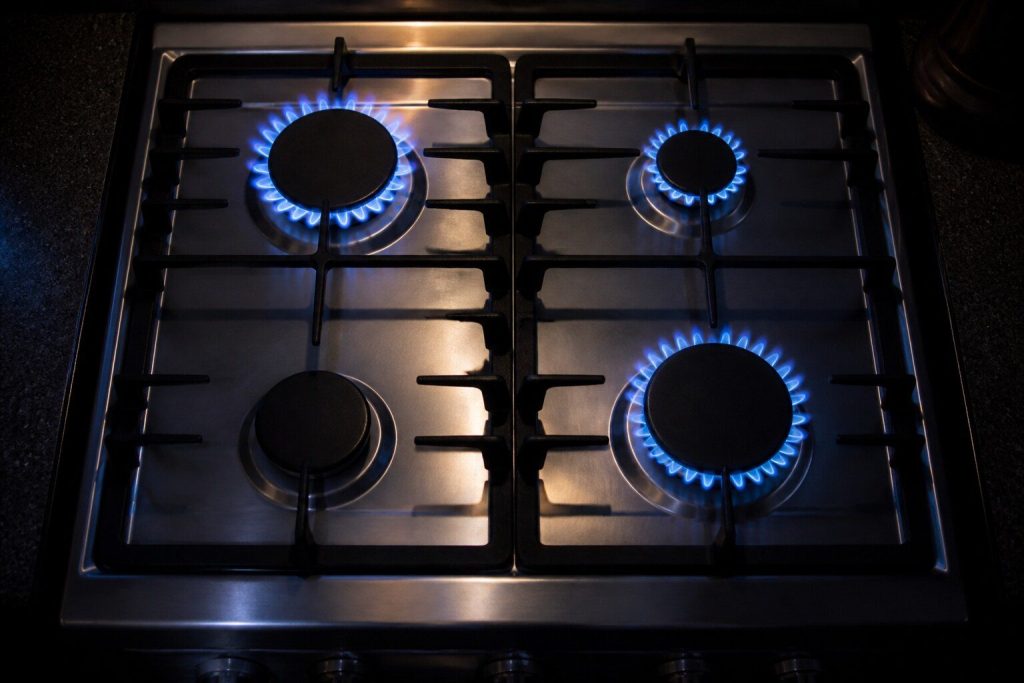
One zone dead and the rest are fine Cooktop burner not working
The most useful complaint on a cooktop because it splits the diagnosis in half immediately. One dead zone points at that zone. Everything dead at once points at supply or control. And on induction there is a third answer that costs nothing: the pan.
- One zone or all of them is the whole first question
- On induction, Samsung's underlined u is cookware rather than a repair
- On gas, a cap a millimeter off its seat clicks forever
-
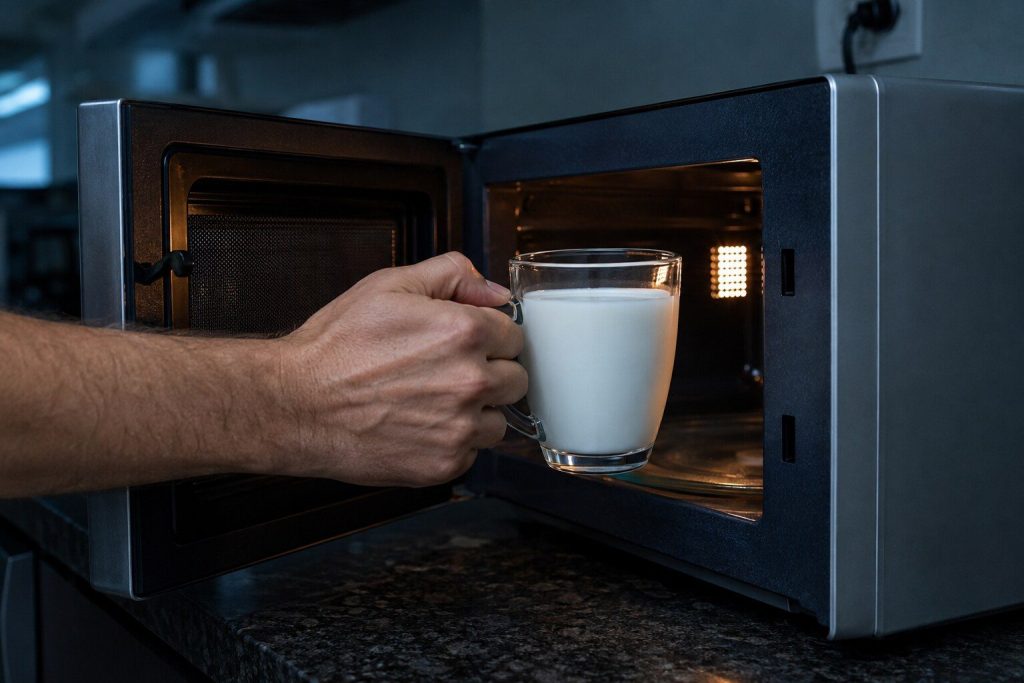
It runs, the plate turns, the food stays cold Microwave not heating
The classic microwave failure, and the one where the honest conversation is about arithmetic as much as diagnosis. It usually means the high-voltage side, and what that costs to repair depends entirely on whether the appliance is a countertop unit or built into a cabinet.
- The high-voltage side, and it is not an owner repair
- On a countertop unit, replacement often wins and we will say so
- In an over-the-range or combination oven, repair usually wins
-
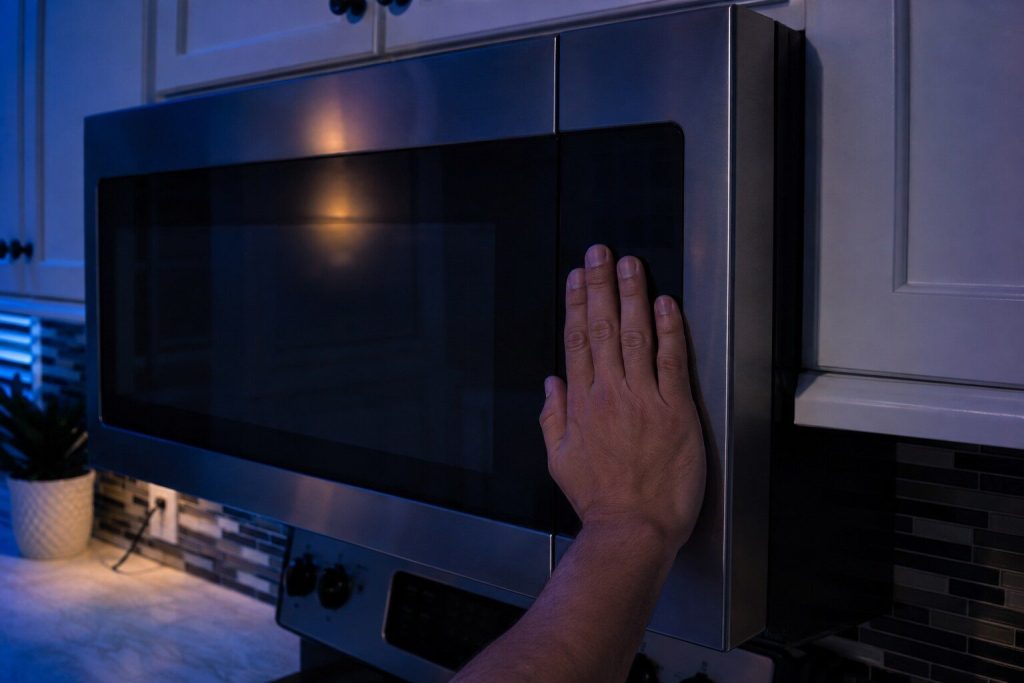
The panel lights and nothing happens when you press start Microwave will not start
Almost always the door or the panel rather than anything expensive. A microwave has several interlock switches in the door and it will not run unless all of them agree, and Samsung's C-d and -SE- codes cover exactly this territory.
- Several door interlocks, and they all have to agree
- A stuck key locks the panel out — Samsung's -SE-
- Turning on by itself is a documented behavior, not a haunting
-
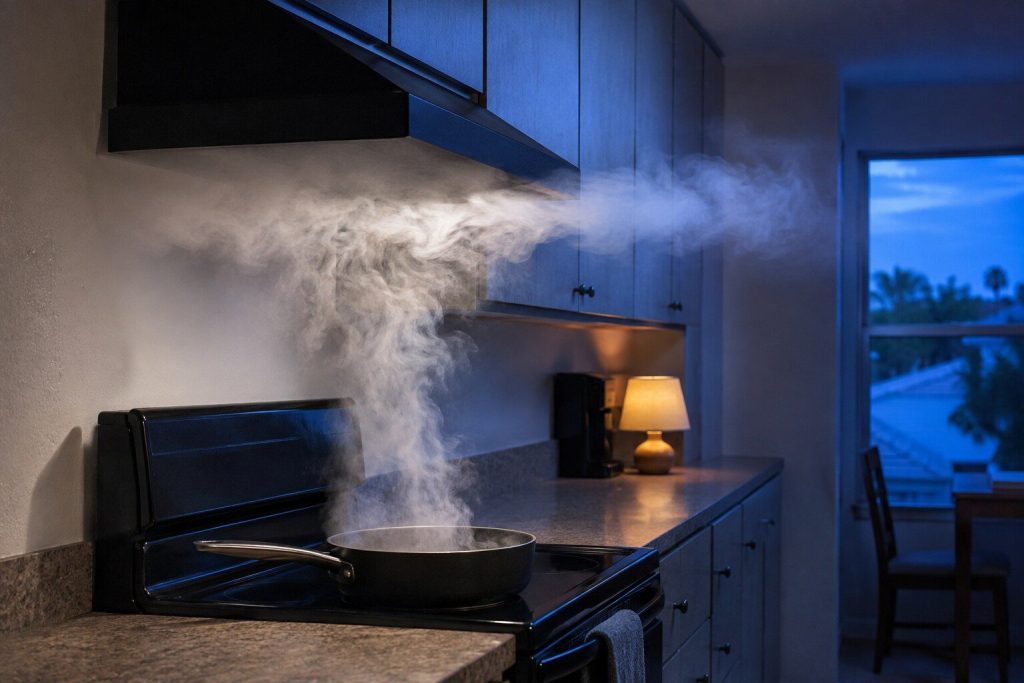
The fan runs and the steam still fills the kitchen Range hood not extracting
Filters, duct, damper — in that order, and usually the first. A saturated filter kills airflow long before it looks dirty enough to matter. And on a recirculating installation there is a second filter that most owners have never seen.
- A saturated grease filter looks clean and passes almost no air
- Recirculating hoods have a charcoal filter behind the grille
- Samsung publishes no codes for hoods, so this is diagnosed by hand
-
No fan, no light, no response Range hood will not turn on
A hood is a simple machine — a motor, a blower, a light and a control — so there is not much in it to fail. Which is why the first place to look is above the appliance rather than inside it, and why on this make there is a second explanation that involves no hardware at all.
- Hoods are often on a switched circuit that has since been changed
- A Samsung hood can lose its pairing with the cooktop and look dead
- Very little inside, so most of these repairs are worth doing
The check we ask about first, every time
Two modes that look exactly like a broken appliance
Refrigerator not cooling
When there is no code to read
Blinking lights are a code, and they are published
Samsung washers, dryers and dishwashers without a digital display report by blinking their cycle lights, and the maker publishes what each combination means — forty of them for the dishwasher. That is a real diagnosis and it is free to read, with one catch: it disappears the moment the power is cut. Write down or photograph exactly which lights are blinking before you switch anything off. Samsung adds one caution of its own, and it saves visits: on some models the lights blink to show cycle status, so treat it as an error only if the machine is misbehaving as well.
Before you call
Five things worth two minutes
Write down what it is showing
- The exact characters, or exactly which lights are blinking.
- Photograph the panel — it is faster and it captures what is lit as well as what is flashing.
- Do not clear it. Samsung asks for this and so do we.
- On a Family Hub, run the self check and read the list it gives you.
Notice when it happens
- Continuously, at one point in the cycle, or only sometimes.
- Whether it started suddenly or built up over weeks.
- Whether anything else in the house was affected at the same time.
Do the free checks on the page
- Almost every symptom page here starts with something that costs nothing.
- A mode, a setting, a filter, a vent, a seal or a pan.
- A real share of calls end there, and we would rather they ended there before anybody drove out.
By appliance
Or start from the appliance
Eleven cards. Three of them carry their whole diagnosis on these symptom pages, because the maker publishes no codes for them at all.
-
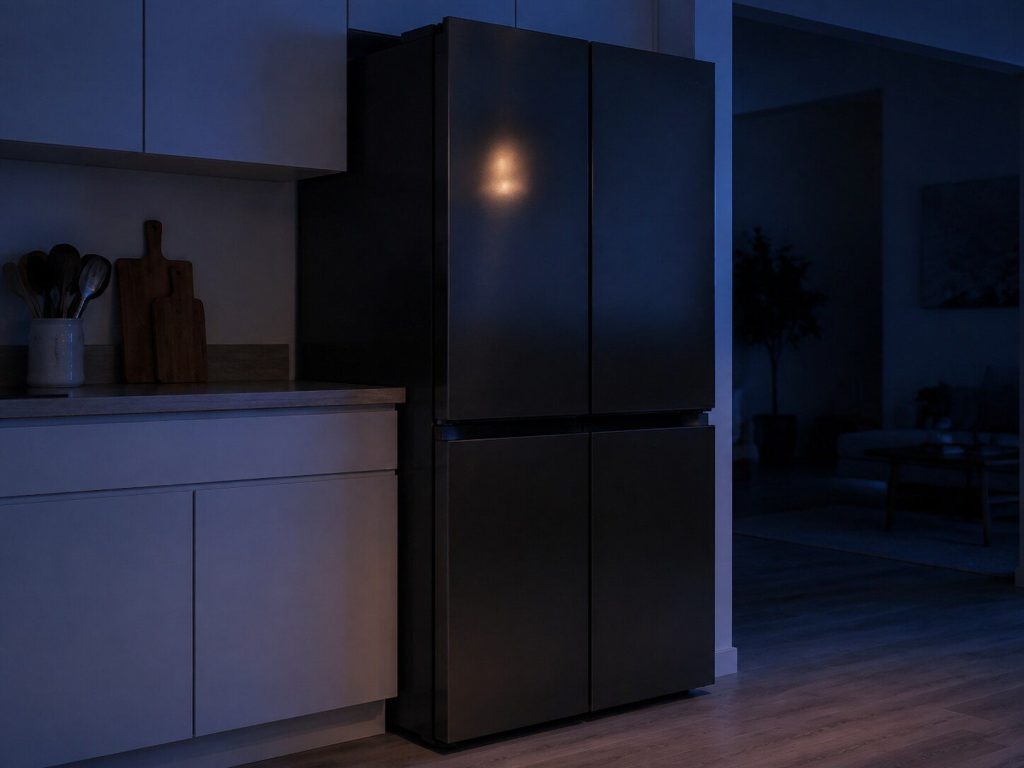
French door · 4-Door Flex · side-by-side · top and bottom freezer · Bespoke panels Refrigerators
The largest part of what Samsung sells in this country, and the appliance behind most of the calls we take on this badge. Seventy-seven of them are in Samsung's own catalog right now, fifty-one of those Bespoke, and the majority of what goes wrong in a South Florida kitchen is not the sealed system — it is ice, water, a fan that has frozen up, or a door that stopped sealing in a house where the air is wet nine months of the year.
- French door, 4-Door Flex, side-by-side, top and bottom freezer
- Family Hub screens, and the self-check that lists the codes
- Ice and water work is most of the call volume on this make
-
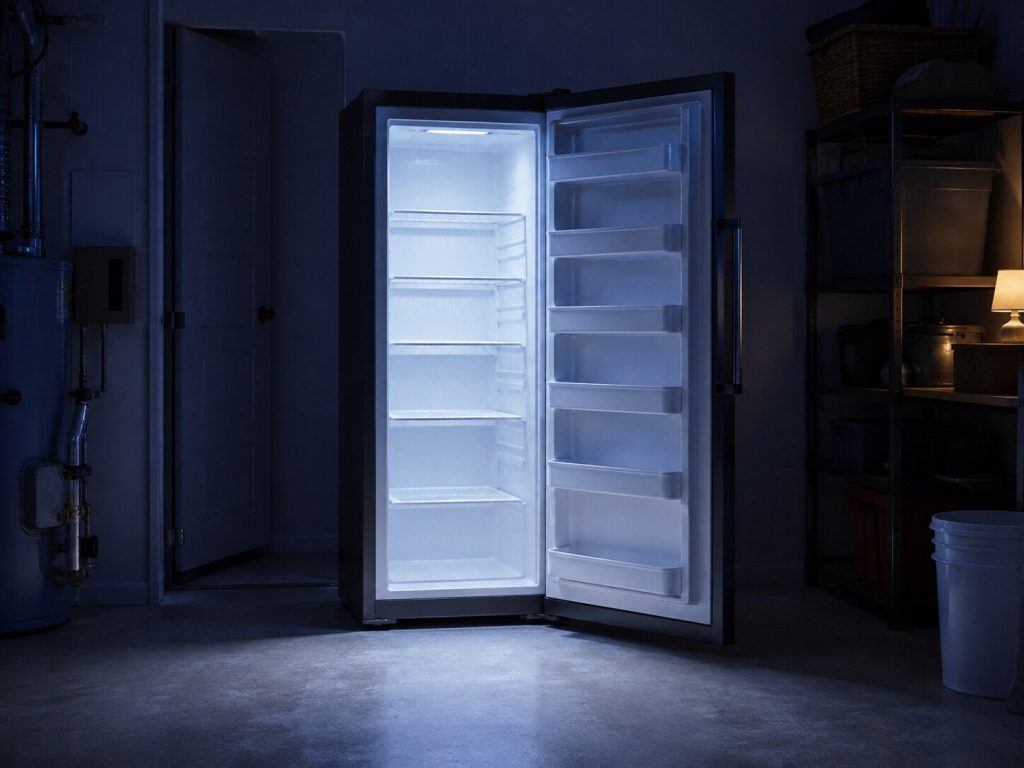
Convertible upright · the freezer half of a French door · FlexZone drawers Freezers
Samsung's freezing happens in three different places, and only one of them is a freezer you can buy on its own. Most of the freezer work we do on this badge is inside a refrigerator: the freezer compartment of a French door, a FlexZone drawer switched over to freeze, or the bottom of a bottom-freezer cabinet. All three fail differently, and none of them has a code table of its own.
- The freezer half of French door, side-by-side and bottom-freezer cabinets
- FlexZone and 4-Door Flex compartments that convert to freezing
- The convertible upright, which Samsung sells as a standalone
-
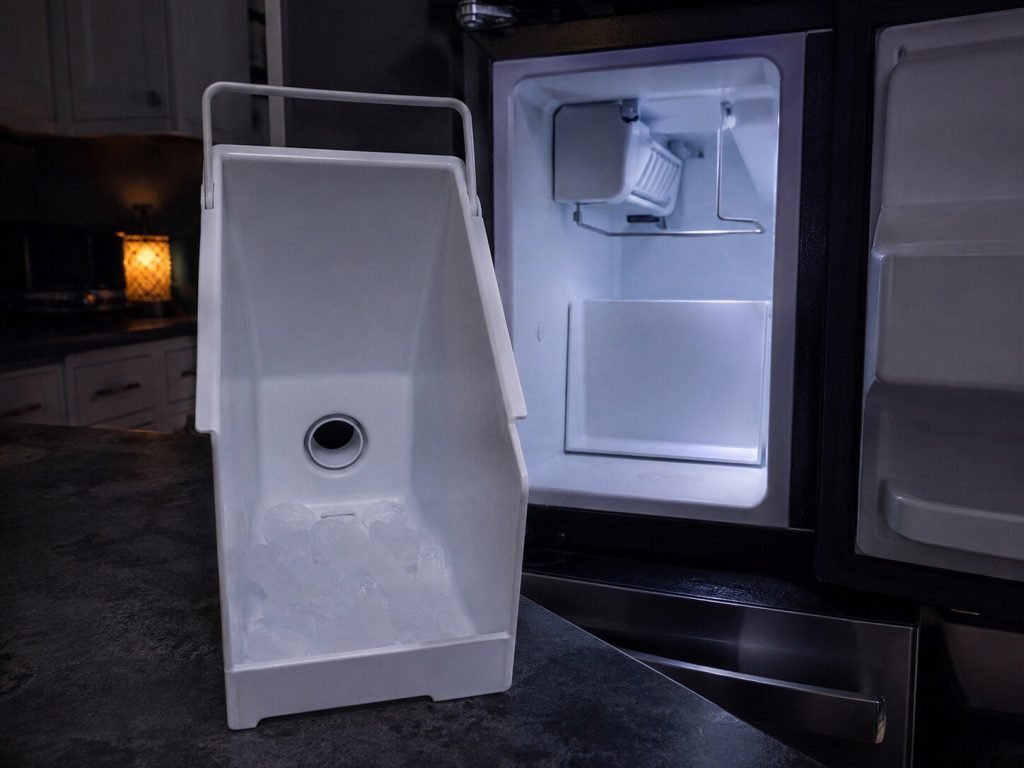
In-door · fridge compartment · bottom and top freezer · Dual Auto · cubed and Ice Bites Ice makers
The single most common complaint on this badge, and the one where the least is published. Samsung builds ice in five different places depending on the cabinet, and the reset procedure is different for every one of them — the maker has five separate articles about it. There is no error code for any of it. What there is, is a set of failures that repeat so consistently that we can usually tell you on the phone which one you have.
- Five cabinet layouts, five different reset procedures
- Freezing up, not filling, not dropping, making too much
- No codes are published for this appliance — the symptom is the diagnosis
-
StormWash · Linear Wash · WaterWall · third rack · AutoRelease · Bespoke fronts Dishwashers
Twenty in the current catalog, most of them between 38 and 46 dBA, and almost all of them quiet enough that the first sign of trouble is a light rather than a noise. Samsung dishwashers speak two languages about failure: seventeen error codes on the models with a display, and forty different combinations of blinking cycle lights on the models without one.
- Seventeen published codes, and forty blinking-light combinations
- StormWash, Linear Wash and WaterWall arms behave differently when they fail
- Draining, filling, leak sensing and the AutoRelease door
-
Front load · top load · FlexWash · all-in-one combo · AI Smart Dial · Bespoke Washers
The biggest single source of demand on this badge — more people search for help with a Samsung washer than with any other appliance the make sells. Forty in the current catalog, from large-capacity top loaders to ventless all-in-one combos, and the error reporting is unusually generous: a full code table on the models with a display, a blinking-light language on those without, and an icon guide on top of that.
- A full published code table, plus blinking lights on models with no display
- Front load, top load, FlexWash and the all-in-one washer-dryer combo
- Drain, fill, door lock, suds and unbalanced loads are most of the work
-
Electric · gas · ventless heat pump · Steam Sanitize · Pet Care · AI Smart Dial Dryers
Forty-six in the current catalog and three genuinely different machines inside that number: conventional vented electric, vented gas, and the ventless heat-pump dryers that are becoming common in condos where a duct to the outside was never an option. They fail differently, they are priced differently, and only the first two are what most people picture.
- Vented electric, vented gas and ventless heat pump
- Its own code table, plus a blinking-light set for models with no display
- Heat, airflow, moisture sensing and the door circuit
-
Slide-in and freestanding · gas, electric, dual fuel and induction · Flex Duo · Air Fry Ranges
Fifty-nine in the catalog and forty-six of them Bespoke. Samsung's ranges are where the make's own ideas show most: an oven cavity that divides in two with a partition, air fry and air sous vide built in, no-preheat modes, induction tops with pan detection, and a SmartThings self-diagnosis that has a published habit of reporting a code when nothing is wrong.
- Gas, electric, dual fuel and induction, slide-in and freestanding
- Flex Duo partition, Air Fry, no-preheat and Steam Clean
- Nine published codes, and one of them usually means the test, not the oven
Say it in your own words
If your problem is not on this list, it is still ours
This list is what we are asked about most often on Samsung equipment. It is not the limit of what we repair. Describe what the appliance is doing in whatever words fit — that is genuinely more useful to us than a guess at the technical term, and it is how most of these pages got written in the first place.
Before you call
Questions about reading a symptom
It shows a code and a symptom at the same time. Which page do I read?
Both, and in that order: the code page tells you what the appliance thinks, the symptom page tells you what usually causes that on this make. Each links to the other.
Nothing is displayed at all and the appliance is dead.
Start with the supply. On a 240-volt appliance — a range, an electric dryer, an induction cooktop — half the supply missing gives you a lit clock and no heat, or nothing at all. It is the most common cause of an appliance that appears to have died overnight.
How do I know whether to try something myself?
Every page here marks the checks that cost nothing and are safe to do. Anything involving the high-voltage side of a microwave, a gas train, or a 240-volt connection is marked as ours, and that is not a sales position — those three genuinely hurt people.
In more detail
Why this site is built around symptoms as much as codes
Three appliances have nothing else
Samsung publishes no error codes for freezers, ice makers or range hoods. For those three, what the appliance is doing is the entire evidence — and the ice maker happens to be the most common repair on the whole make. So the symptom pages here are not a secondary route into the site; for a third of the appliances they are the only one.
People search for behavior, not for codes
Of the phrases we collected for this make, four hundred are somebody describing what an appliance is doing and two hundred are somebody reading a code off a display. Both are real, and both have pages here — but the larger group is the one describing a machine that will not do what it used to.
The free checks come first on purpose
Every page opens with what costs nothing: a mode, a setting, a filter, a vent, a seal, a pan. Some of those end the call. We would rather lose a visit to a two-minute check than charge for one.
Describe what it is doing, in your own words.
Add the model number and anything on the display. If the machine has no display, tell us which lights are blinking.
This article is based on:
- Official manufacturer documentation
- Internal repair procedures
- Technician repair history
- Company quality standards