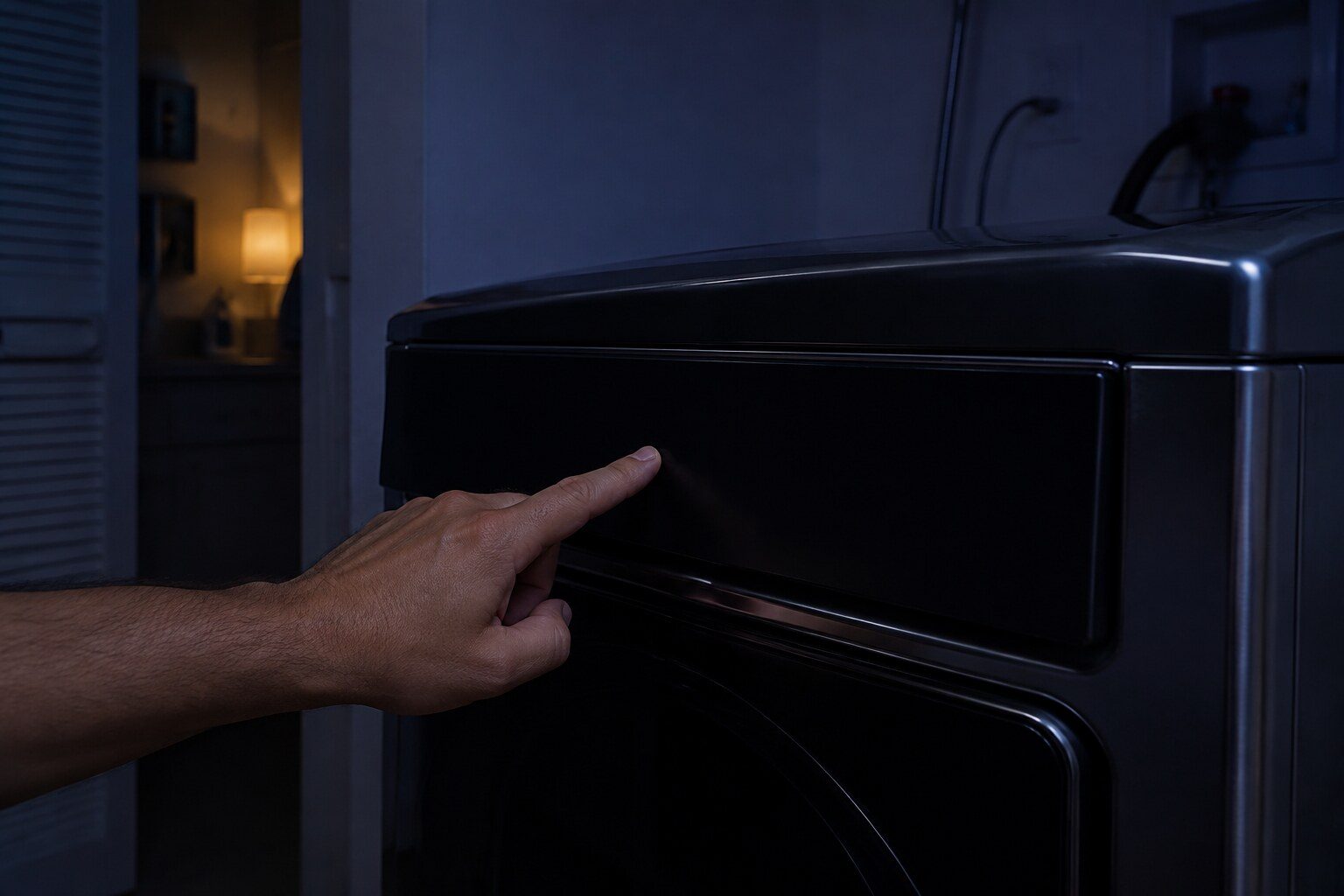
- “A door that closes without a click is not latching”
- “Samsung's jammed-button condition locks out the whole panel”
- “On stacked pairs, the washer can report a code for the dryer”
Symptom
Samsung dryer will not start
Separated by what the panel does. Dead panel is power; lit panel that refuses is the door, a lock or a stuck button; a machine that starts and stops immediately is something else again.
- From $95 diagnostic, credited to the repair
- 59 cities and neighborhoods covered
- OEM parts available on order
- In writing the price, before anything is opened
Four ordinary causes
What this usually turns out to be
Cheapest and commonest first, which is also the order we check them in. They sit hundreds of dollars apart, and only the unit settles which one is yours.
-
The door latch or switch
Worn latch, moved strike, or a door that has dropped on its hinge.
Diagnostic visit from $95 -
A stuck button
Samsung's bE family. One button read as held locks out the panel.
Diagnostic visit from $95 -
Power
A tripped breaker, or half of a 240-volt supply, which on some machines stops it entirely.
Diagnostic visit from $95 -
The multi-control kit timing
Documented by Samsung, resolved by an update, and not a part.
Smart diagnosis and firmware service from $95
In five minutes
Before you call anybody
None of it needs tools, and all of it makes the visit shorter.
-
01
Close the door and listen
Silence means mechanical.
-
02
Press every button in turn
Working each to its edges. A stuck one often frees.
-
03
Check the breaker properly
Off and fully back on, and both sides on a double.
-
04
On a stacked pair, wait after switching the washer on
More than five seconds, as Samsung documents.
How it shows up
What people describe when they call
A shortcut
Narrow it down before anybody arrives
A description of the behaviour leaves a few possible causes. A code names the subsystem before anybody opens anything, which is why it is worth photographing before it clears.
If there is no code at all
The data plate is inside the cabinet, upper left wall or behind the grille. All models
In more detail
About Samsung dryer will not start
Door, lock, power
Close the door firmly and listen for the latch — a dryer door that closes silently is not latching and the machine will not start. Then check the control lock. Then check the breaker, and on an electric machine check both sides of it.
What it usually means, by the kind of Samsung appliance
Samsung sells one appliance in several forms, and the same behavior points at different things on each of them. A built-in side-by-side and an integrated column are not the same service situation, and a dual-fuel range and an induction range fail in different halves.
- Standalone — Power, door, panel. In that order.
- Stacked with a multi-control kit — Samsung documents a case where the washer reports a 9C1 for the dryer if the dryer is touched within five seconds of the washer being switched on, and publishes a software update for it.
- Gas — A gas dryer with no gas will still start and tumble, so a machine that does nothing at all is electrical.
Three states, three answers
Completely dead is supply or the board fed by it. Lit and refusing is the door, the lock or a setting. Starts and stops immediately is usually the door switch making and then breaking, or a motor that cannot get going.
The stacked-pair quirk
Samsung documents this themselves and it is worth knowing before anybody is called: on a pair stacked with a multi-control kit, using the dryer controls within five seconds of switching the washer on can produce a 9C1 report from the washer about the dryer. There is a software update for it through SmartThings, and no part is involved.
This article is based on:
- Official manufacturer documentation
- Internal repair procedures
- Technician repair history
- Company quality standards

Before you book
Questions about Samsung dryer will not start
The drum turns by hand but the motor does nothing.
That rules out a seized drum, which is useful. It leaves the motor, its capacitor on the machines that have one, the door switch and the control.
It hums but does not turn.
A motor being asked to turn something that will not move, or a start winding problem. Stop trying it — that is the version that damages the motor.
Where we do it
Across Miami-Dade, Broward, and Palm Beach
Same terms everywhere we go: an on-site diagnostic first, the price agreed in writing, and the exact figure confirmed once we have seen the unit.
Neighborhoods people ask for by name