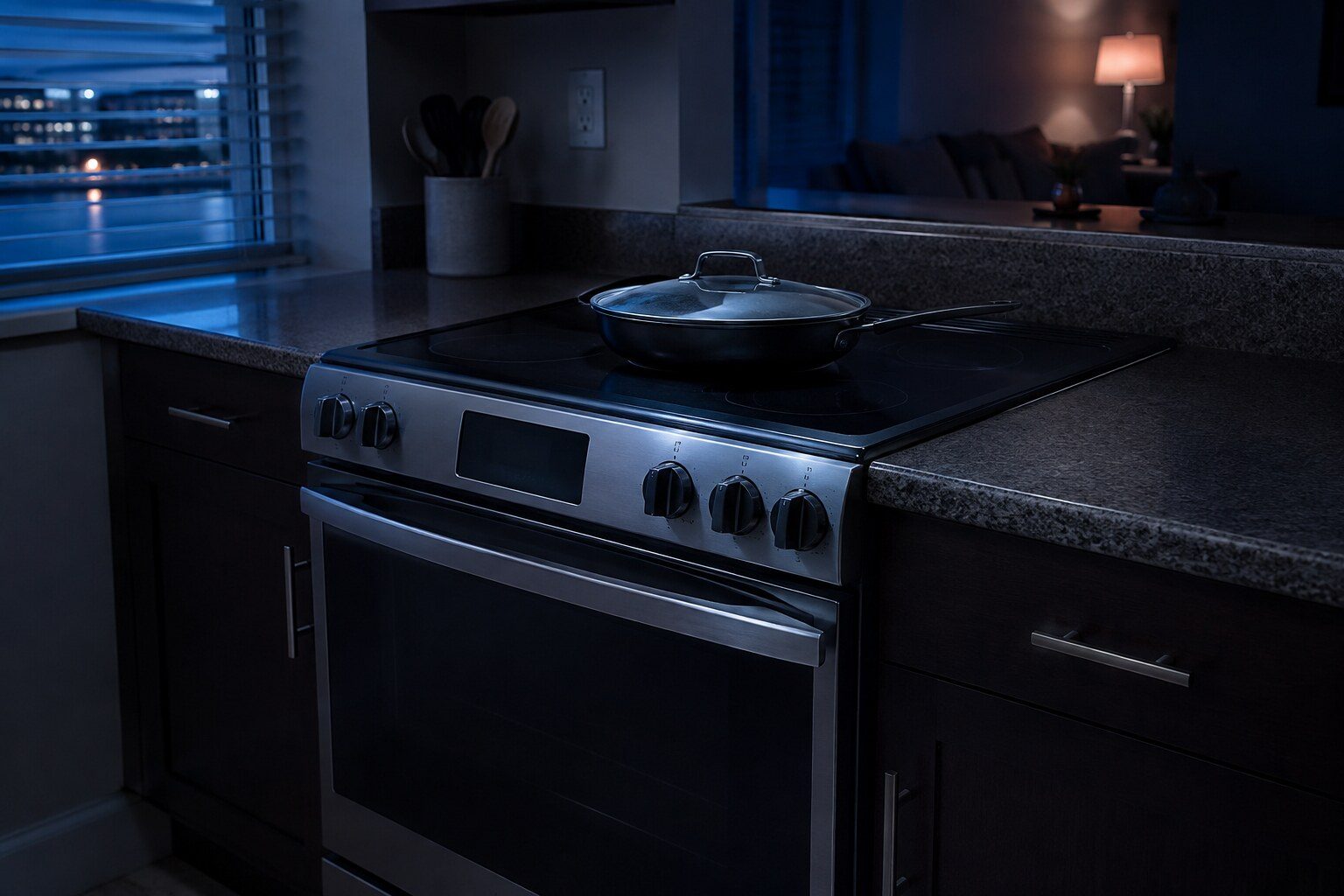
- “Samsung's bAd LinE means the power connection, not the appliance”
- “Cooktop in use blocks Self Clean and is not an error”
- “Control lock is set by accident while cleaning, constantly”
Symptom
Samsung range will not turn on
A completely dark panel on a range is a supply question. A panel that lights up and refuses is a mode, a lock or an interlock — and on this make there are two specific interlocks worth knowing about before anybody is called.
- From $95 diagnostic, credited to the repair
- 59 cities and neighborhoods covered
- OEM parts available on order
- In writing the price, before anything is opened
Five ordinary causes
What this usually turns out to be
Cheapest and commonest first, which is also the order we check them in. They sit hundreds of dollars apart, and only the unit settles which one is yours.
-
The power connection
Samsung's bAd LinE. A loose terminal or a missing leg. This one is not to be improvised with.
Appliance control board repair from $265 -
Control lock
Set while cleaning the panel. Free.
Diagnostic visit from $95 -
Demo mode
Samsung's tESt. Everything responds, nothing heats.
Diagnostic visit from $95 -
Cooktop in use
Blocks Self Clean only, and means a burner is still on.
Diagnostic visit from $95 -
Board communication
Samsung's C-F0, and on three named induction models it is fixed by a firmware update.
Smart diagnosis and firmware service from $95
In five minutes
Before you call anybody
None of it needs tools, and all of it makes the visit shorter.
-
01
Read the display
bAd LinE, tESt, Cooktop in use and C-F0 all mean specific things and none of them is a dead range.
-
02
Check the breaker, both sides
A double breaker with one leg tripped is the classic.
-
03
Look for a lock icon
And hold the lock button for a few seconds to clear it.
-
04
Turn every burner off
Including any left on a very low simmer, then try Self Clean again.
How it shows up
What people describe when they call
A shortcut
Narrow it down before anybody arrives
A description of the behaviour leaves a few possible causes. A code names the subsystem before anybody opens anything, which is why it is worth photographing before it clears.
If there is no code at all
CC70F30S2DAA
CC70F36S2DAA
NA30N6555TG
NZ30FG5332RKAA
NQ70CB700D12AA
NQ70CG700DMTAA
NQ70CG700DSRAA
NV51CB700D12AA
NV51CB700S12AA
NE63A6111SS
NE63A6311SS
NE63A6511SG
The data plate is inside the cabinet, upper left wall or behind the grille. All models
In more detail
About Samsung range will not turn on
Look for a message rather than a silence
Samsung publishes bAd LinE for a power connection that is not right, and Cooktop in use for Self Clean being blocked by a live burner. Both look like a range refusing to work and neither is a failure. Read what is on the display before deciding the appliance is dead.
What it usually means, by the kind of Samsung appliance
Samsung sells one appliance in several forms, and the same behavior points at different things on each of them. A built-in side-by-side and an integrated column are not the same service situation, and a dual-fuel range and an induction range fail in different halves.
- Electric and induction — 240 volts, and half of it missing gives a lit clock and no heat.
- Gas — The oven needs electricity even though the burners do not, so a gas range with no power will light on the top and do nothing below.
- Slide-in models — Often on a dedicated circuit behind the appliance that has been switched off during other work.
The one to take seriously
bAd LinE is the range telling you its power connection is not right. On a 240-volt appliance a loose connection at the terminal block heats up, and that is not a repair to work around. If your range is showing it, it should be looked at by somebody qualified rather than used carefully.
The one that is free
C-F0 is a communication error between the boards, and Samsung names three induction range models — NSI6D*9100, NSI6D*9300 and NSI6D*9500 — where a software update resolves it with no service at all. Checking whether your model is one of them takes two minutes and can end the whole matter.
This article is based on:
- Official manufacturer documentation
- Internal repair procedures
- Technician repair history
- Company quality standards
Before you book
Questions about Samsung range will not turn on
The clock works but nothing else does.
On an electric or induction range that fits half the supply missing precisely: the control runs on one leg and the heating needs both. Have the breaker and the connection checked.
It works again if I turn the breaker off and on.
That is worth telling us. A range that recovers with a power cycle and then fails again is usually a communication or a control problem rather than a heating one.
Where we do it
Across Miami-Dade, Broward, and Palm Beach
Same terms everywhere we go: an on-site diagnostic first, the price agreed in writing, and the exact figure confirmed once we have seen the unit.
Neighborhoods people ask for by name