Maintenance & Prevention
The Oven Door Is Still Locked After Self Clean. What Now?
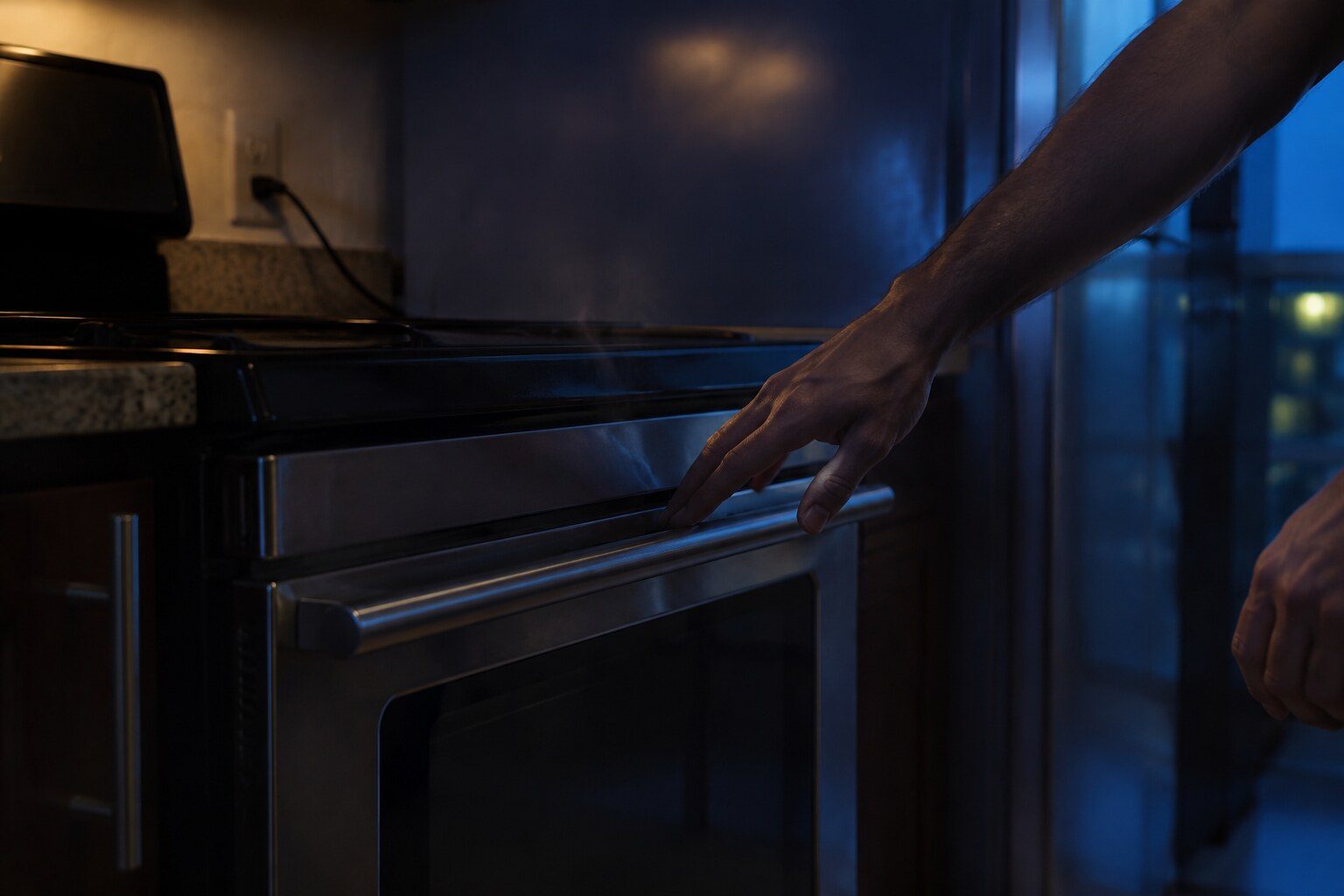
A self-clean lock releases when the cavity has cooled below a safe threshold, not when a clock runs out — so the door stays locked for a considerable time after the cycle itself has ended, and on a hot day in an unventilated kitchen that can be well over an hour. Leave it. Do not switch the oven off at the breaker in the hope of resetting the latch: on most models cutting power leaves the motorized latch exactly where it is, and it cannot then move at all. Do not pull on the door. If the oven has cooled to room temperature and the door is still locked, or if the display shows a door or lock condition rather than simply refusing, then it is the latch motor, its switch or the control, and that is a repair rather than a wait. Check for a control lock as well, which is a different thing that produces the same complaint.
The full guide
How do I unlock my Samsung oven after self clean? The lock is not on a timer
This is the single fact that explains almost every version of this complaint.
A self-clean cycle takes the cavity to a very high temperature to burn residue away. The door locks at the start of it and stays locked — not for a set period, but until the oven has cooled to a temperature at which opening it is safe. The control watches the cavity sensor and releases the latch when the number is low enough.
So "the cycle ended forty minutes ago and it is still locked" is not a malfunction. It is an oven that is still hot.
In a Miami kitchen this takes longer than the manual's estimate, for the obvious reason: the ambient temperature the oven is cooling into is higher, and often the room is closed up with the air conditioning running elsewhere. Thirty to ninety minutes after the cycle finishes is normal here. Longer if the oven vent at the back of the cooktop is partly blocked, which is worth checking while you wait.
The simple test: touch the door glass. If it is warm to the hand, the cavity is very much hotter, and the lock is doing exactly what it should.
The mistake that turns a wait into a repair
People cut the power.
It is an understandable instinct — every other electronic thing in the house is fixed by switching it off and on. On a self-clean oven it is close to the worst available move, and it is worth explaining why.
The latch is motorized. A small motor drives a steel hook into a keeper and holds it there, and the same motor is what withdraws it. That motor needs power to move in either direction.
Cut the supply while the latch is engaged and it stays engaged. Nothing releases. When power comes back, the control has lost its record of where it was in the cycle, and on many models it will not attempt to unlatch until it has re-established what the oven is doing — which sometimes means it will not unlatch at all until it is told to run and cancel another cycle.
So the oven that was going to open in twenty minutes is now an oven that needs somebody with a screwdriver.
And do not pull the door
The latch is a steel hook engaged in a steel keeper. The door handle is attached to a glass-and-steel door on two hinges that are carrying a lot of weight.
Pulling hard enough to matter does not free the latch. It bends the hinge, distorts the door, or breaks the handle mounting — and now there are two repairs where there was a wait.
The other lock, which people confuse with this one
There are two completely separate locks on a Samsung range and they produce the same sentence.
The door lock is the physical latch described above. It engages for self-clean and it releases on temperature.
The control lock is a keypad lockout. It stops the panel responding to presses so that a child, or a cleaning cloth, cannot set anything. It shows as a padlock indicator and it is cleared by pressing and holding one key for a few seconds — which key depends on the model.
The control lock does not lock the door. If your door will not open and there is a padlock symbol showing, you may have both, and clearing the keypad lockout will not release the latch.
Knowing which you are looking at saves a call.
When it really is a repair
If the oven has come down to room temperature — the cavity is cool to the hand, the door glass is cool, several hours have passed — and the door is still locked, then the wait is not the answer.
Three candidates:
The latch motor. It has failed with the hook out. This is the most common of the three.
The latch switch. A small switch tells the control where the latch actually is. If it is reporting "locked" when the latch has moved, or reporting nothing, the control will not proceed.
The control. Less often, and usually alongside other symptoms — a door condition on the display, or an oven that will not accept a cycle at all.
None of those is a disaster and the door does come open as part of the repair. What matters is not turning it into something worse first, and the two ways of doing that are cutting the power and pulling on the door.
While you are waiting, one useful check
Look at the vent across the back of the cooktop and take anything off it.
Samsung publishes a code — C-24 — for an oven heating faster than it should, and their own explanation names that vent being blocked or partly blocked. A pan parked over it, a trivet, the back edge of a stockpot. It affects how the oven heats and it affects how it cools, which means it directly affects how long you are standing there waiting for a latch to release.
It is a thirty-second check and it is worth having done before the next self-clean cycle rather than during this one.
Questions people ask about this
How long should I actually wait?
Until the oven is properly cool, which after a self-clean cycle in a Miami kitchen means longer than you expect — thirty to ninety minutes after the cycle finishes is normal, and more if the kitchen is warm and the vent is partly blocked. If the outside of the door is still hot, the cavity is far hotter.
Can I speed it up?
Not safely, and not much. Leaving the kitchen cooler helps a little. Opening a window helps a little. What does not help is switching the oven off at the wall, which on most models freezes the latch where it is rather than releasing it.
The oven is cold and the door is still locked.
Then it is not the wait. It is the latch motor, the switch that tells the control where the latch is, or the control itself. That is a repair, and the door can be released as part of it — it is not a broken oven, it is a stuck mechanism.
There is a padlock symbol but I did not run Self Clean.
That is the control lock rather than the door lock, and it is a completely different thing — a keypad lockout, usually cleared by holding one key for a few seconds. The manual for your model names the key. It stops the panel responding; it does not physically lock the door.
Maintenance & Prevention
More guides like this one
-
Do You Add Detergent to a Self Clean Cycle? Dishwasher and Washer
Four nearly identical questions in the search data, and the answers are not the same for the two machines. Detergent in the wrong cycle is one of the causes of the smell people run it to remove.
Read more -
No Ice After a Filter Change: The Seating, the Air and the Wait
The cause is nearly always the change itself: a cartridge not quite home, air in the line, or an owner judging the result after two hours instead of a day.
Read more -
How Often a Samsung Washer Actually Needs Its Drum Cleaned in Florida
The interval in the manual was not written for a laundry room at eighty percent humidity. Here the answer is more often, and three habits matter more than the cycle does.
Read more
Tell us the model number and what it is doing.
This article is based on:
- Official manufacturer documentation
- Internal repair procedures
- Technician repair history
- Company quality standards