Troubleshooting
Before You Call Anyone About a Warm Refrigerator, Check for a Mode
Look at the display. If it shows OF OF, O FF, OFF OFF, or temperature bars scrolling across it, the refrigerator is in Cooling Off mode — also called Demo or Shop mode — where the panel, the light and the controls all work and the compressor is deliberately switched off. It is how a floor model behaves in a showroom, it gets triggered at home by a button combination pressed by accident, and it costs nothing to clear: hold the top two buttons on the left of the panel together for five to eight seconds, until you hear a chime that sounds different from a single press. If that is not it, work in the order that saves money — the load and the vents, then the door gaskets, then the two fans Samsung publishes codes for, then the defrost circuit, then the condenser, and the sealed system last. Five of those seven are cheap or free.
The full guide
How to fix Samsung digital inverter refrigerator not cooling: the most convincing symptom in the kitchen
A refrigerator that has died usually looks like it. This one does not.
In Cooling Off mode the panel is lit. The buttons respond. The interior light comes on when you open the door. The water dispenser works. The ice maker may even have a bucket of ice in it from before. Everything about the appliance says it is alive and well — and the compressor has not run for a day and a half, because it was told not to.
Samsung shows it as OF OF, or O FF, or OFF OFF, or as temperature bars scrolling across the display. It is also called Demo mode or Shop mode, and it exists so a refrigerator can stand on a showroom floor for six months, fully lit, without running a compressor for nothing.
It has no business being on in a house. It gets there by accident, and we have driven to homes where the entire visit was eight seconds of holding two buttons.
How to clear it
The exact procedure varies by model and it is in the manual, but the most common one is this:
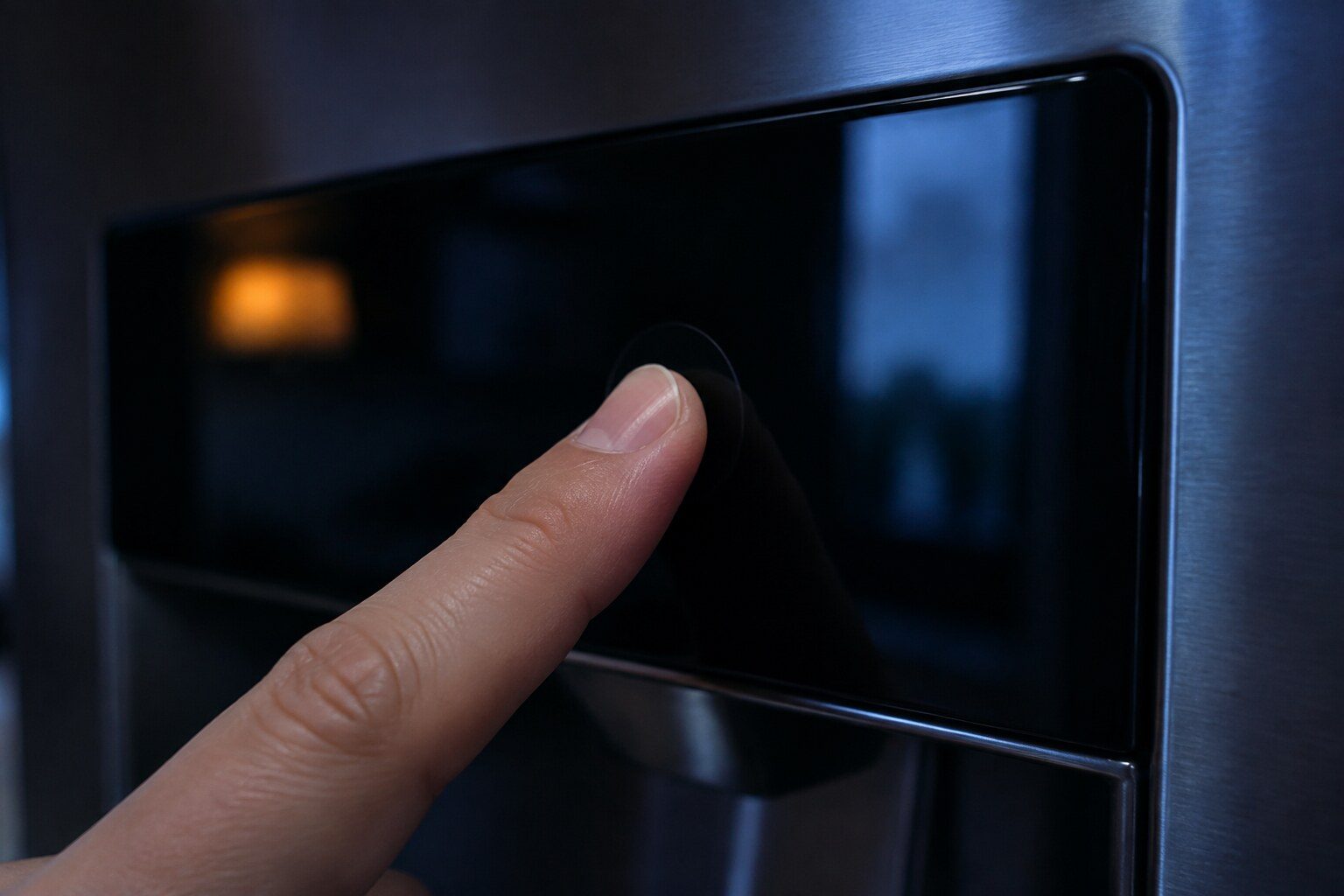
Find the top two buttons on the left side of the control panel — usually on the front of the door, on the external display. Hold them together for five to eight seconds, until you hear a chime. The chime is the tell: it sounds different from the beep a single button press makes, and that difference is how you know the combination registered.
Then wait a moment and check the display does not slip back into the mode. If it does, repeat.
Samsung notes that on some newer models a third button is needed as well — the top one on the right side of the panel — but advises trying with two first, on the reasonable grounds that you are far less likely to have triggered a three-button combination by accident.
Give the cabinet several hours after clearing it. A refrigerator that has been off for a day does not come back to temperature in twenty minutes, and food that has been warm needs judging on its own merits.
If it is not that
Then the rest of this is an order of operations, and the order is the point: it runs cheapest first, and most of these calls end before the expensive end.
The load and the vents. The back wall of the fresh-food compartment has vents that the cold arrives through. Anything pressed hard against them — a cereal box, a wide flat container, a tray pushed right back — blocks the airflow. A cabinet packed to the back wall misses temperature with nothing broken at all. This is free and it is common.
The gaskets. Close each door on a piece of paper and pull. It should drag on the way out, all the way round both doors. Anywhere it slides out easily, warm wet air is walking in — and in August in Miami that air carries a great deal of water. A seal that has lost its grip along part of its length is the single most common underlying cause behind everything below it on this list.
The fans. Samsung publishes 21E for the freezer fan and 22E or 22C for the fresh-food fan, and in their own explanation the usual cause of both is ice on the fan rather than a failed motor. Their published recovery is worth trying: power off, doors open for a few hours until everything reaches room temperature, then restart. A fan freed by defrosting often stays free.
The defrost circuit. The gradual one. Ice builds on the evaporator until air can no longer pass through it, and the compartment gets slowly warmer over days rather than suddenly. This is the failure behind most "it has been getting worse for a fortnight" descriptions.
The condenser. A coil that cannot shed heat makes the compressor run continuously and still miss temperature. In a Miami kitchen a coil that has not been cleared in five years is packed with dust that will not fall out on its own.
The sealed system. Real, rare, and last. Compressor, refrigerant, the closed loop. It is measured with gauges, not deduced from the fact that everything else looked all right.
The thing to measure
Put a thermometer on a middle shelf in each compartment and leave it an hour. About 37°F in the fresh-food side and about 0°F in the freezer.
That matters because the panel is one of the things under suspicion. A cabinet whose display says 37 and whose shelf says 50 has told you something specific — and a cabinet where the display and the thermometer agree, at a temperature that is too warm, has told you something different.
What "digital inverter" changes
Samsung markets its compressors as digital inverter compressors, and the phrase turns up in what people search for. It is a real difference: the compressor varies its speed rather than switching fully on and off, which is quieter and more efficient.
For a diagnosis it changes very little. A variable-speed compressor still runs, still needs a condenser that can shed heat, still depends on fans and airflow to distribute what it produces, and still cannot cool a cabinet that has been told not to cool. The order above applies exactly as written.
What it does change is one piece of advice: an inverter compressor that is running slowly is running normally. A refrigerator that seems quieter than the one it replaced is not necessarily a refrigerator that is doing less.
What we do on the visit
Read the display for a mode. Measure both compartments properly. Listen for air with the door switch held in. Look at the coil. Test both gaskets along their whole length rather than glancing at them.
And if it does turn out to be the sealed system, prove it with gauges and give you the honest version of the arithmetic — because on a cabinet past a certain age that conversation is about the appliance rather than about the repair, and it should be had before the work starts rather than after.

Questions people ask about this
How does Cooling Off mode get switched on by accident?
It is a button combination held for several seconds, and on most cabinets those buttons are also ordinary controls. A cloth pressed across the panel while cleaning will do it. So will a child leaning on the display. It is not common, but it is common enough that we ask about it on every one of these calls.
I held the buttons and nothing happened.
Some newer models need a third button as well — the top one on the right side of the panel. Samsung's own advice is to try with two first, because you are less likely to have triggered a three-button combination by accident. If two does not work, try adding the third.
The display is showing nothing unusual and the fridge is warm.
Then work down the list. Vents blocked by food at the back of the compartment, gaskets, then the fans, then defrost. The order matters because it runs cheapest first, and most of these calls end before the expensive end of it.
Somebody quoted me for a compressor over the phone.
Nobody can reach that conclusion without measuring at the appliance, and on this make there is a free explanation that produces an identical symptom. It is the most over-diagnosed repair on a cold appliance in this city.
Troubleshooting
More guides like this one
-
Resetting a Samsung Ice Maker: Five Cabinets, Five Procedures
Samsung publishes five different reset procedures, one for each place it puts an ice maker. They are not interchangeable — and a reset is the wrong move more often than people think.
Read more -
A Microwave That Runs and Does Not Heat, and the Honest Arithmetic
The diagnosis is quick. The decision is not — because the same failure has three different prices depending on where the appliance sits.
Read more -
A Dryer That Tumbles Cold: What to Check, in Order
There is very little to reset. But there is one electrical case that gives you a dryer which tumbles perfectly and makes no heat at all — and it is not the appliance.
Read more
Tell us the model number and what it is doing.
This article is based on:
- Official manufacturer documentation
- Internal repair procedures
- Technician repair history
- Company quality standards