Common Problems
Why a Samsung Microwave Starts Itself When You Close the Door
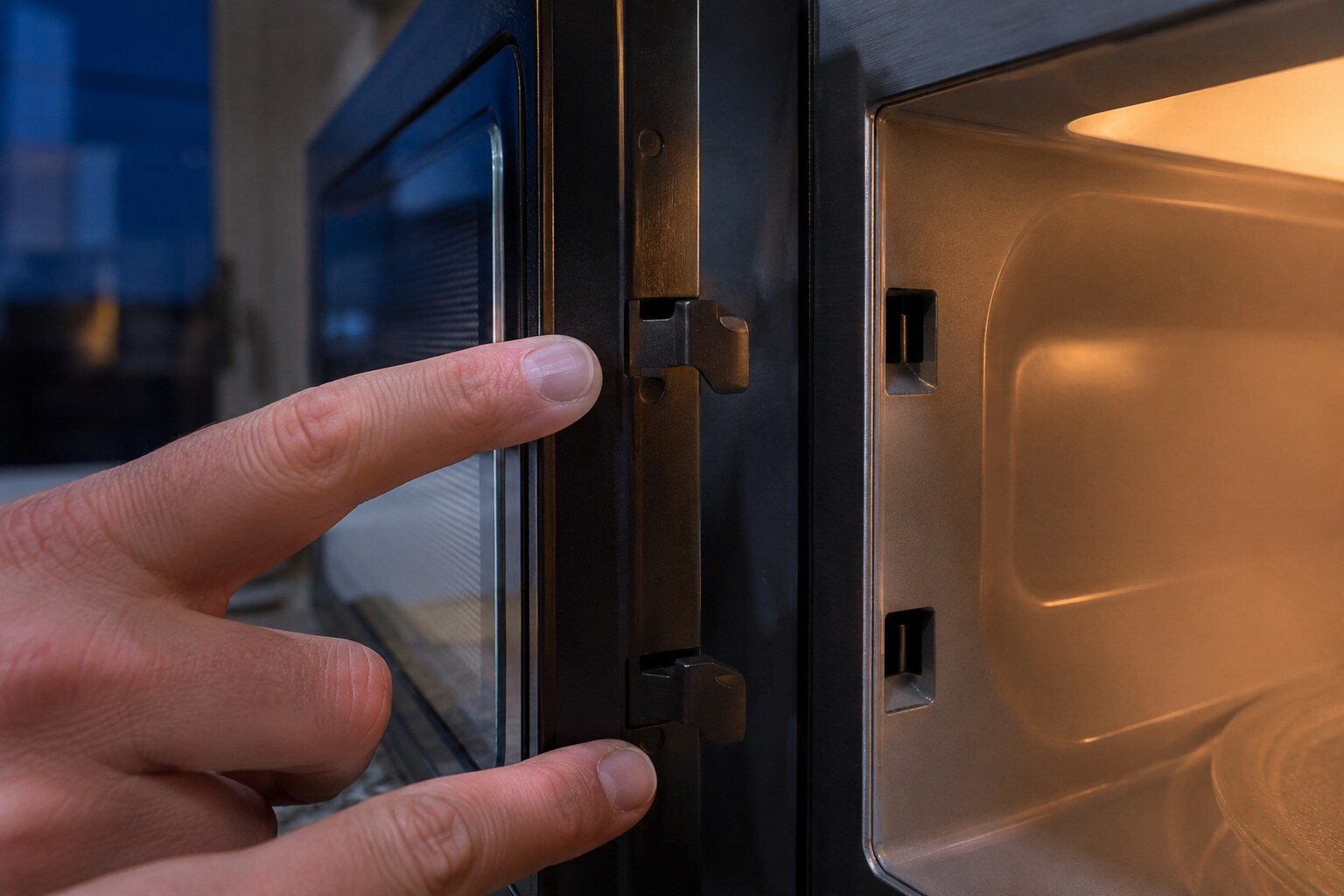
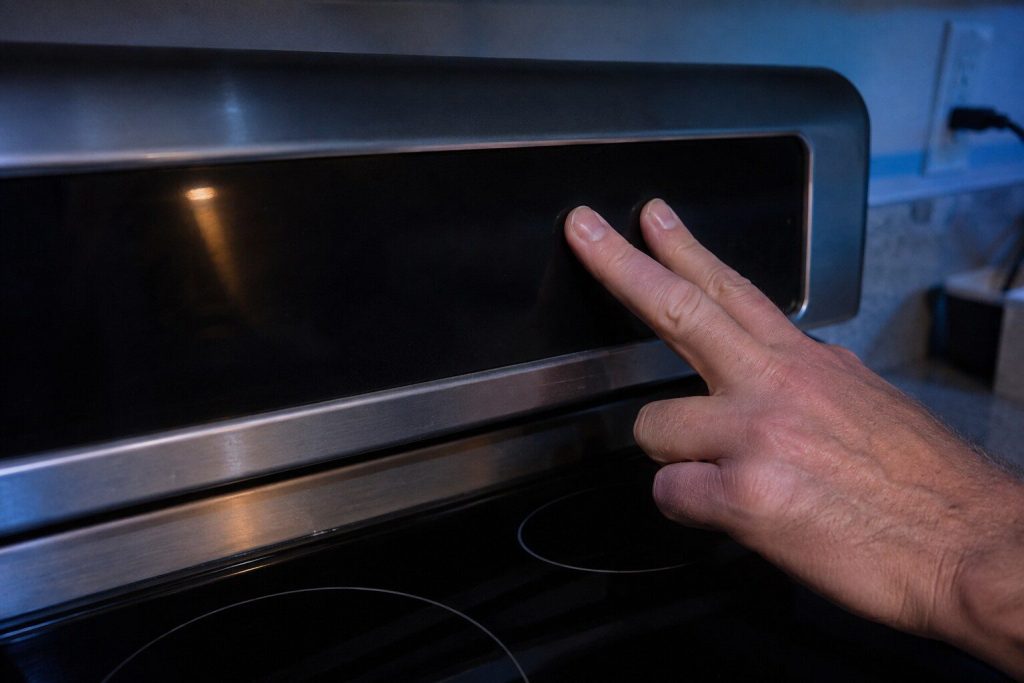
Samsung's own support material explains this, and the explanation is reassuring: the touch panel is capacitive and very sensitive, so brushing against it while loading the cooktop below or wiping the front sets a cycle without anybody meaning to. The microwave then waits for the door, and starts as soon as it is closed. On an over-the-range unit, whose panel sits directly above a cooktop, it happens more than anywhere else. It becomes a real problem when the panel reads a key as permanently pressed rather than momentarily touched — Samsung reports that as -SE- or as its C-d family — because then the machine will start repeatedly, or beep continuously, or refuse everything else. The test is simple: press each key in turn and watch which ones respond. One that does nothing, or one that repeats on its own, is a panel that needs work.
The full guide
Why does my Samsung microwave turn on when I close the door? The ordinary explanation first
Two phrases sit in the search data for this make, almost identical: why does my Samsung microwave turn on when I close the door, and why does it turn on when I open it. People type them because it feels like the appliance has developed a mind of its own.
The usual answer is much duller than that, and Samsung publishes it themselves. These panels are capacitive — they respond to the electrical properties of a finger near the glass rather than to pressure — and they are set up to be sensitive, because a panel that needs a firm press annoys everybody. A sleeve, a dish towel over the handle, a forearm while you reach for something on the cooktop, a cloth during a wipe-down: any of those can register as a touch.
If what registers is a cook time and a start, the microwave has been told to run. It cannot run with the door open, so it waits. The moment the door closes, it does what it was told.
Why over-the-range units get this most
Because of where the panel is.
An over-the-range microwave sits directly above a cooktop, at about chest height, in exactly the place your arm passes through while cooking. Every reach for a pan, every stir, every wipe of the cooktop below brings a sleeve within an inch of the controls. Add steam rising from a pot and the surface is damp as well, which makes a capacitive panel more sensitive rather than less.
Countertop units get it far less often, and the microwave half of a combination wall oven — where the panel is usually higher and out of the working path — less often still.
When it stops being ordinary
There is a version of this that is a real problem, and it is worth knowing how to tell.
If the panel has a key that is being read as permanently pressed rather than momentarily touched, the microwave behaves very differently. It may beep continuously with nothing on the display. It may refuse every other key, so the machine looks dead. Or it may re-start itself repeatedly rather than once.
Samsung reports that condition as -SE- — a key short error — and its C-d family covers the related door and key conditions. Those are errors rather than accidents.
The causes are what you would expect above a cooktop: moisture that has reached the back of the membrane, grease that has crept in at an edge, or a key that has been pressed hard enough over years to distort slightly in its opening.
The test, which takes a minute
Press every key on the panel in turn, working each one to all its edges rather than just poking the middle, and watch what happens.
A healthy panel responds once to each press and does nothing in between. What you are looking for is either a key that does nothing at all, or a key that produces a response you did not ask for. Either points at that key.
Sometimes working a key back and forth frees it, particularly if the cause is moisture rather than damage, and the machine goes back to normal. That is worth trying before anybody is called.
If the machine responds normally to every key and still starts on its own, you are back to the ordinary explanation — and the fix is habit rather than hardware.
Two things not to do
Do not open it. This is the one appliance on this site where we ask that without qualification. The high-voltage capacitor in a microwave holds a charge that can kill after the machine has been unplugged, and it does not bleed away quickly. There is no version of this that is a reasonable home project.
Do not run it empty to test it. A microwave with nothing in it has nowhere to put the energy it is producing, and running one empty damages the magnetron. If you want to test whether it heats, put a mug of water in it.
The habits that stop the ordinary version
If the panel tests clean and the machine simply keeps getting touched, three things help.
Use the control lock. Every Samsung microwave has one — usually a press and hold on a specific key, and the manual for your model says which. It disables the panel until it is unlocked, and it is exactly what it is for.
Wipe with the lock on, or with the machine unplugged. Most accidental starts we hear about happen during cleaning.
Watch the cooktop below. If the accidental touches are happening while you cook, the answer is often as simple as being aware that the panel is in the path of your arm.
When it is worth a visit
When the panel has a key that will not respond or will not release, when -SE- or a C-d code is showing, or when the machine has started running by itself repeatedly rather than once.
The repair is usually the touch panel or the membrane behind it, and on an over-the-range unit it is worth doing rather than replacing the appliance — you are not replacing a cabinet, a vent, an installation and a cooktop light as well. On a countertop unit out of warranty the arithmetic is different, and we will say so on the phone rather than after a visit.
Questions people ask about this
Is it dangerous to leave it doing this?
A microwave cannot run with the door open — several interlock switches make sure of that — so it will not irradiate a kitchen. What it can do is heat an empty cavity, and running a microwave empty is genuinely bad for it. If it is happening repeatedly, unplug it until it is looked at.
Could it be the door switches rather than the panel?
It can, and that is why the pattern matters. A panel problem sets a cycle and waits. A door-switch problem tends to produce a machine that will not start at all, or one that stops mid-cycle. If it starts every time the door closes and never at any other point, the panel is the likelier of the two.
It beeps continuously and there is nothing on the display.
That is usually a stuck key rather than anything mysterious. Press each key in turn; one that is holding will often free with a little working back and forth, and if it does not, the panel is the repair.
Should I just unplug it between uses?
As a stopgap, yes, and it is what we would do while waiting. As a long-term arrangement it is not one — a panel that has become unreliable rarely gets better, and a microwave that starts itself is one you cannot leave the house with.
Common Problems
More guides like this one
-
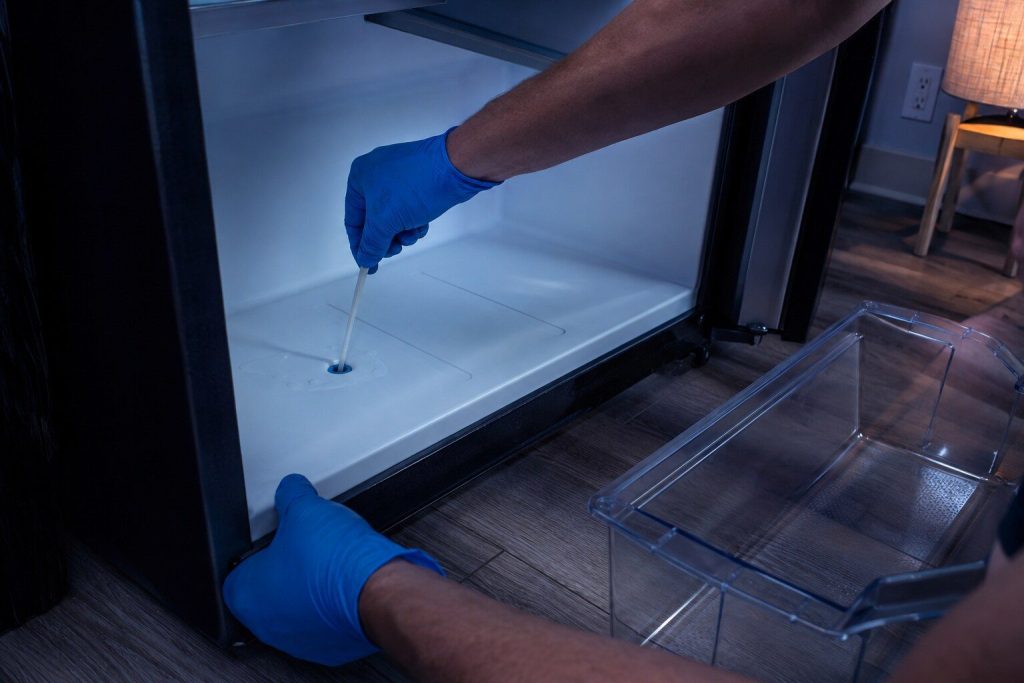
Water Under the Crisper Drawer, and the Small Blocked Tube Behind It
Water in that exact place is almost never the water line and almost never the filter. It is melt water that cannot get out, and the tube it should be leaving by has frozen shut.
Read more -
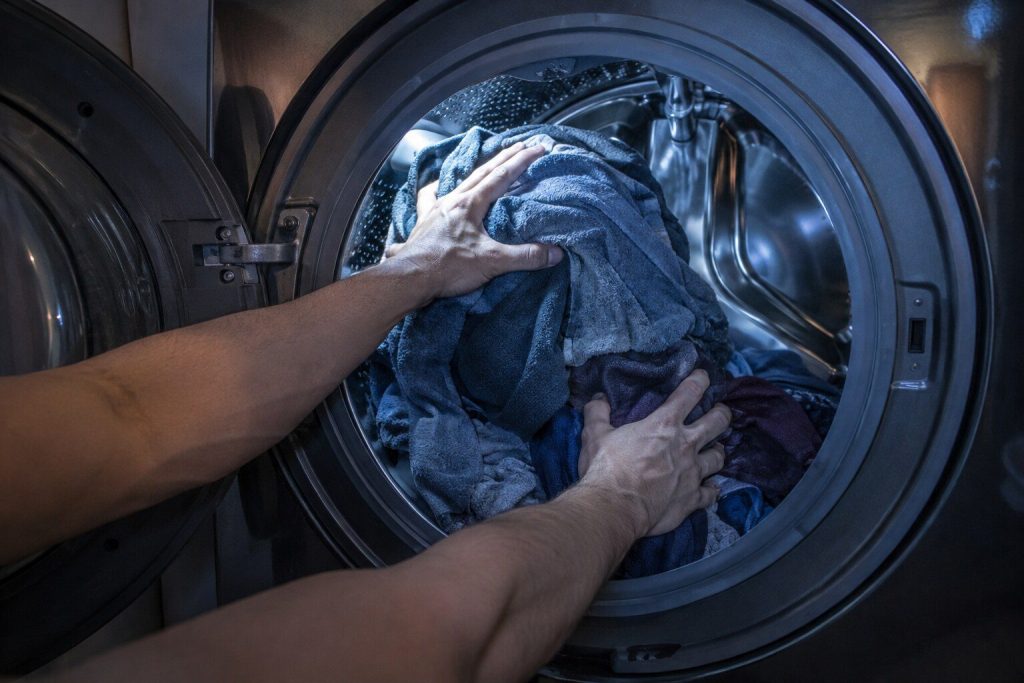
A Washer That Will Not Spin: Is It the Load or the Machine?
Ten minutes and three towels settle it. Samsung's Ub and Ur codes mean the machine has decided the load cannot be spun safely — and most of the time it is right about the laundry.
Read more -
An Oven That Turns Itself On, and the Three Explanations
Three causes, and two of them are free to rule out. The third is worth acting on the same day, because an oven that heats without being asked is not a thing to live with.
Read more
Tell us the model number and what it is doing.
This article is based on:
- Official manufacturer documentation
- Internal repair procedures
- Technician repair history
- Company quality standards