Common Problems
Reading a Samsung Dishwasher by Its Blinking Lights
Samsung dishwashers without a digital display report errors by blinking their cycle lights, and the manufacturer publishes what each combination means — forty of them. Heavy and Express 60 together means the machine cannot heat. Auto, Quick or Smart Auto on its own is a water supply problem. Heavy with Quick, Smart Auto, or on its own on models with Express 60, means too much water. Normal, or Heavy on models without Express 60, is the leak sensor — and on that one the machine turns itself on and will not turn off while it drains, which is correct behavior rather than a second problem. All four or more lights together is a communication error between the panel and the main board. The single most important thing is to write down or photograph exactly which lights are blinking before switching anything off: on these models the combination is the whole diagnosis and it disappears with the power. Samsung also cautions that on some models the lights blink to show cycle status, so treat it as an error only if the machine is misbehaving as well.
The full guide
Samsung dishwasher heavy and express 60 blinking: Samsung has two ways of telling you something is wrong
A Samsung dishwasher with a digital display shows a code: 4C, 5C, LC, OC, and the rest of the seventeen the manufacturer publishes.
A Samsung dishwasher without one blinks its cycle lights instead. Not randomly — the combination is the code, and Samsung publishes a table of what each one means. Forty combinations.
That is unusual, and it is worth saying why it matters. Most manufacturers treat blinking-light reporting as a service secret and leave owners guessing. Samsung publishes the whole mapping, which means an owner with no tools and no training can read their own machine as accurately as a technician can.
The one thing to do before anything else
Write down exactly which lights are blinking, or photograph the panel.
This is not a formality. On a machine with a digital display, the code stays on the screen and comes back after a reset if the condition persists. On a machine reporting by lights, the combination exists only while the machine is powered and in that state. Switch it off at the breaker and it is gone, and with it the entire diagnosis.
We take calls that go: it was flashing something, I turned it off, now it just does nothing. At that point the machine has to be run until it errors again before anybody knows anything, and that can take days.
A photograph takes three seconds and captures what is steady as well as what is blinking, which matters because some combinations differ only in that.
What the common ones mean
Sixteen distinct conditions sit behind the forty combinations, and four of them account for well over half.
Water supply — Auto alone, Quick alone, Smart Auto alone, Express 60, or Normal with Express 60. Five combinations for one condition, which tells you how common it is. Water is not arriving at the pressure or the temperature the machine needs. Everything in this one is upstream of the appliance: the shut-off valve under the sink, the hose where it turns into the cabinet, the inlet screen. A great many of these end without a part.
Too much water — Auto and Heavy, Heavy with Quick, Heavy with Smart Auto, Heavy alone on models with Express 60, Smart Auto and Heavy. Either too much is coming in or too little is going out. Check what detergent has been used before anything else: hand dish soap in a dishwasher produces a tub of foam that the level sensing reads as water, and it is a mistake a household makes exactly once.
Cannot drain — Delicate alone, or Quick+. Filter, hose, high loop, disposer connection, pump. In that order, and on a machine that has never drained properly since it was installed, the knockout plug in the disposer inlet that the installer did not remove.
Heat and temperature — a whole family. Heavy and Delicate is the heater itself. Heavy with Express 60 or Quick+ means the machine cannot reach temperature. Several three-light combinations are the temperature sensor. Normal, Delicate and Quick together means the incoming water is too hot, which is a setting on your water heater rather than anything in the dishwasher.
The two that behave unusually
The leak sensor — Normal alone, or Heavy alone on models without Express 60.
This is the one that frightens people, because of what the machine does. Samsung documents it: when moisture is detected in the base pan, the dishwasher turns itself on and will not turn off, and while it is on it runs the drain pump to get the water away.
That looks exactly like a machine that has lost its mind. It is a machine protecting the cabinet it is fitted into. Let it finish. Then turn the water off at the shut-off valve and have it looked at, because the sensor sits in the base and finds water long before your kitchen floor does — which is the point at which this repair is still a hose.
All four or more lights together.
A communication error between the control panel in the door and the main board in the base. The harness between them runs through the door hinge and flexes every time the door is opened, which over ten years is tens of thousands of times. It is a genuine wear item and it is checked before either board, because it is a fraction of the price.
Samsung's own caution, which saves visits
This is worth quoting in substance because it is unusual for a manufacturer to say it: blinking lights do not always indicate an error. On some models the current status of the cycle causes lights to blink, and Samsung asks you to check whether the dishwasher is experiencing any other problem before assuming the lights mean one.
So the second question, after "which lights", is "what else is wrong". Not draining, not filling, not finishing, not cleaning, stopping partway. If the answer to all of those is no — the machine washes perfectly and simply blinks — you may be looking at status rather than a report.
Note the combination anyway. If something does go wrong later, you will already have it, and that is the one piece of evidence that cannot be recovered afterwards.
Why this site groups them
There are forty combinations and sixteen meanings, and four meanings account for nineteen of the forty combinations.
Publishing forty pages that each say "the panel detects a stuck button" would be forty of our own pages competing with each other for the same reader — which helps nobody, including us. So each meaning has one page here, and every combination Samsung names for it is printed on that page. Search for the lights you can see and you will land on what they mean, with the other combinations that mean the same thing listed beside them.
If you have a display instead
Then you have a code, and the same discipline applies for the same reason: read it exactly, note it, and do not clear it before it has been looked up. Samsung asks for this explicitly on its dishwasher pages, and the reason is the same one — a code that has been reset is information a technician no longer has.
The seventeen codes and the forty light combinations describe the same machine. They are two alphabets for one language, and this site carries both.
Questions people ask about this
Why lights instead of a code?
Because the machine has no digits to show one with. Rather than leave those models silent, Samsung uses the lights it already has — the cycle indicators — as a binary display. It is the same information in a different alphabet.
The lights blink and the dishwasher works perfectly.
Then it may not be an error at all. Samsung says explicitly that on some models the current cycle status causes lights to blink, and asks you to check whether the machine is actually failing at something before treating it as a problem. Note the combination anyway; if something does go wrong later, you already have it.
The machine turned itself on and will not switch off.
That is the leak-sensor behavior and it is deliberate. When moisture is detected in the base, the dishwasher powers up and runs its drain pump to get the water out. Let it. Then turn the water off at the shut-off valve and have it looked at before running another cycle.
Can I just reset it?
You can, and Samsung asks you not to before troubleshooting — because a reset removes the evidence without removing the cause. On these models the evidence is the light combination, so resetting first genuinely throws away the diagnosis.
Common Problems
More guides like this one
-
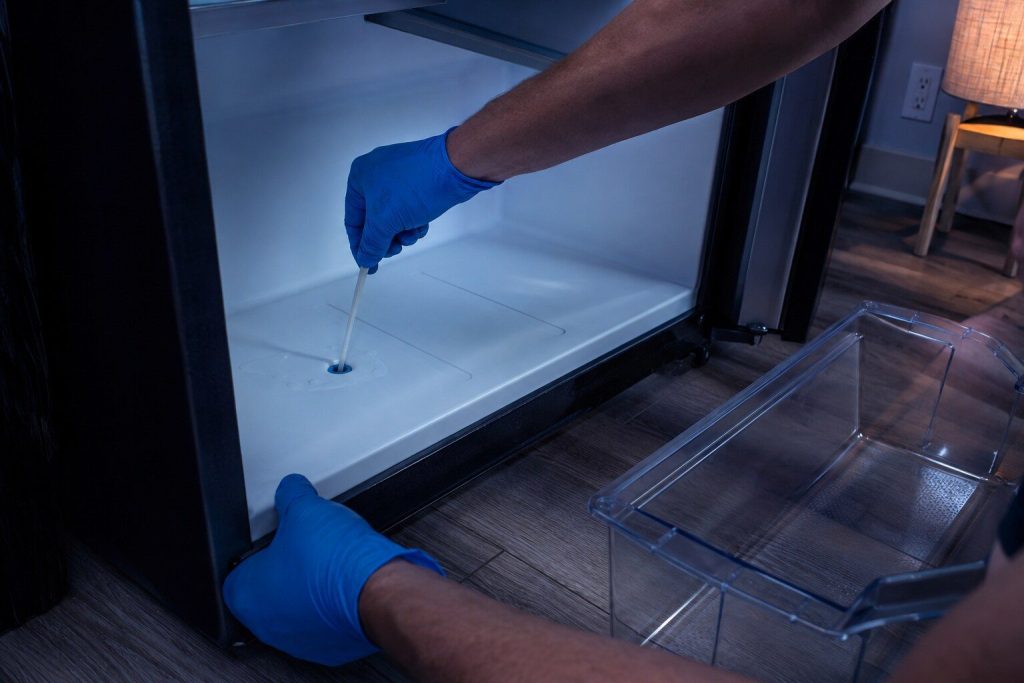
Water Under the Crisper Drawer, and the Small Blocked Tube Behind It
Water in that exact place is almost never the water line and almost never the filter. It is melt water that cannot get out, and the tube it should be leaving by has frozen shut.
Read more -

A Washer That Will Not Spin: Is It the Load or the Machine?
Ten minutes and three towels settle it. Samsung's Ub and Ur codes mean the machine has decided the load cannot be spun safely — and most of the time it is right about the laundry.
Read more -
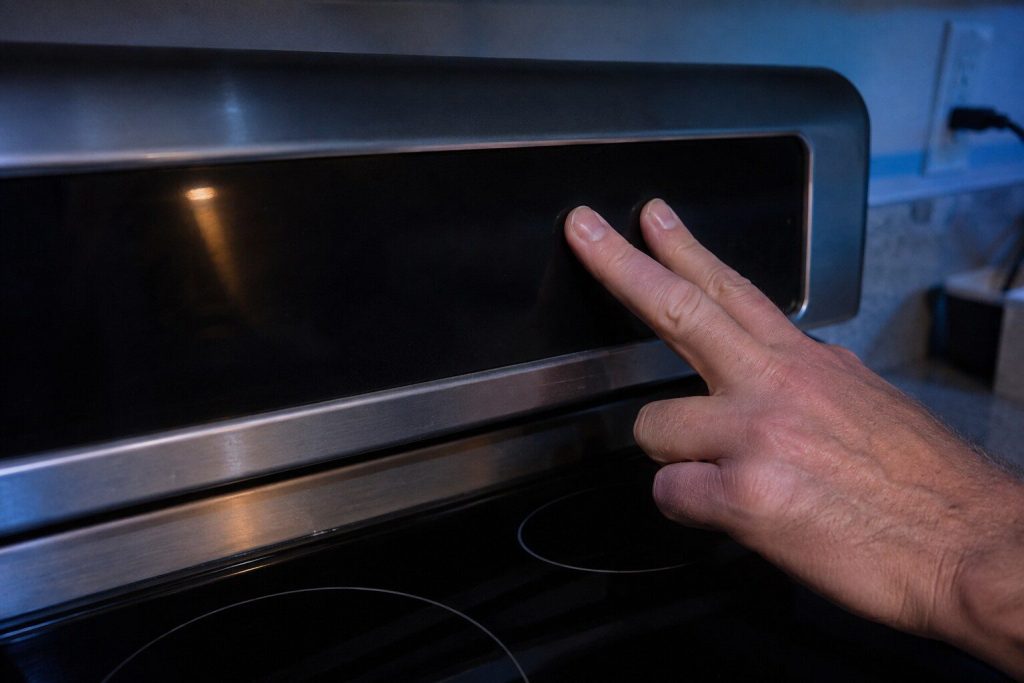
An Oven That Turns Itself On, and the Three Explanations
Three causes, and two of them are free to rule out. The third is worth acting on the same day, because an oven that heats without being asked is not a thing to live with.
Read more
Tell us the model number and what it is doing.
This article is based on:
- Official manufacturer documentation
- Internal repair procedures
- Technician repair history
- Company quality standards