- “Several door interlocks, and they all have to agree”
- “A stuck key locks the panel out — Samsung's -SE-”
- “Turning on by itself is a documented behavior, not a haunting”
Symptom
Samsung microwave will not start
Almost always the door or the panel rather than anything expensive. A microwave has several interlock switches in the door and it will not run unless all of them agree, and Samsung's C-d and -SE- codes cover exactly this territory.
- From $95 diagnostic, credited to the repair
- 59 cities and neighborhoods covered
- OEM parts available on order
- In writing the price, before anything is opened
Four ordinary causes
What this usually turns out to be
Cheapest and commonest first, which is also the order we check them in. They sit hundreds of dollars apart, and only the unit settles which one is yours.
-
The door interlocks
Several switches, all of which must agree. Samsung's C-d family.
Microwave repair from $145 -
A stuck key
Samsung's -SE-. Steam from the cooktop below is the usual cause on over-the-range units.
Microwave repair from $145 -
A child lock or a set timer
Free, and it catches people out.
Diagnostic visit from $95 -
The control board
Samsung's TE and the C-F family.
Microwave repair from $145
In five minutes
Before you call anybody
None of it needs tools, and all of it makes the visit shorter.
-
01
Close the door firmly
Not gently. The hooks have to engage.
-
02
Press each key and watch
One that does nothing, or one that repeats, is the answer.
-
03
Check for a lock indicator
Child lock is a hold on one key.
-
04
Note the exact code
-SE-, TE and the C-d family all mean different things.
How it shows up
What people describe when they call
A shortcut
Narrow it down before anybody arrives
A description of the behaviour leaves a few possible causes. A code names the subsystem before anybody opens anything, which is why it is worth photographing before it clears.
If there is no code at all
The data plate is inside the cabinet, upper left wall or behind the grille. All models
In more detail
About Samsung microwave will not start
Close the door properly and try one key at a time
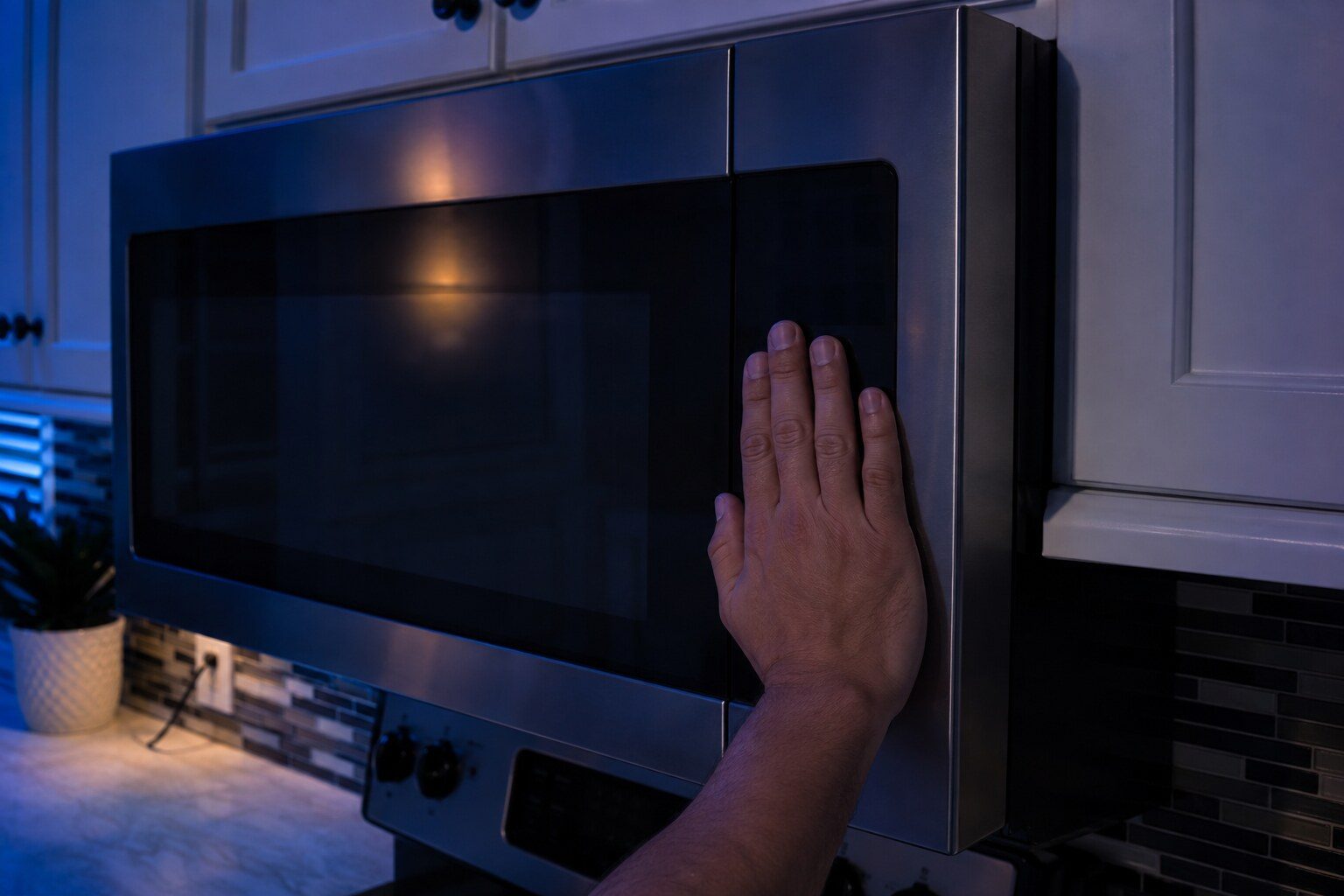
Push the door firmly closed rather than swinging it — the latch hooks have to engage all their switches. Then press each key on the panel and see which ones respond. A single unresponsive or permanently active key is Samsung's -SE- condition and it locks out everything else.
What it usually means, by the kind of Samsung appliance
Samsung sells one appliance in several forms, and the same behavior points at different things on each of them. A built-in side-by-side and an integrated column are not the same service situation, and a dual-fuel range and an induction range fail in different halves.
- Over-the-range — The panel sits above a cooktop and takes steam and grease continuously, which is why stuck keys are more common here than anywhere else.
- Countertop — Usually the door alignment or the latch hooks, which get bent by being closed hard.
- Combination wall ovens — A dead microwave half can be the shared control rather than the microwave itself.
Why there are several door switches
A microwave has to be certain the door is shut before it fires, so it uses more than one switch and checks that they agree with each other. If they disagree — because one has failed, or because the door is slightly out of alignment — the appliance refuses to start, which is exactly what it should do. It also means door problems are the most common cause of a microwave that will not start, and they are repairable.
The panel above a cooktop
An over-the-range microwave has its control panel directly in the path of everything that comes off the cooktop below. Steam, grease and cleaning spray all reach the back of the membrane over years, and a key that has become permanently active is the result. Samsung's -SE- is that condition, and it is one of the commonest calls on these units.
This article is based on:
- Official manufacturer documentation
- Internal repair procedures
- Technician repair history
- Company quality standards

Before you book
Questions about Samsung microwave will not start
It starts by itself when I close the door.
Samsung documents this: the capacitive panel is sensitive, and brushing it while loading the cooktop below can set a cycle that then starts when the door closes. It is not an error by itself, though a panel that does it constantly is.
It beeps continuously with nothing on the display.
That is usually a stuck key. Press each one in turn and see which is holding.
Where we do it
Across Miami-Dade, Broward, and Palm Beach
Same terms everywhere we go: an on-site diagnostic first, the price agreed in writing, and the exact figure confirmed once we have seen the unit.
Neighborhoods people ask for by name