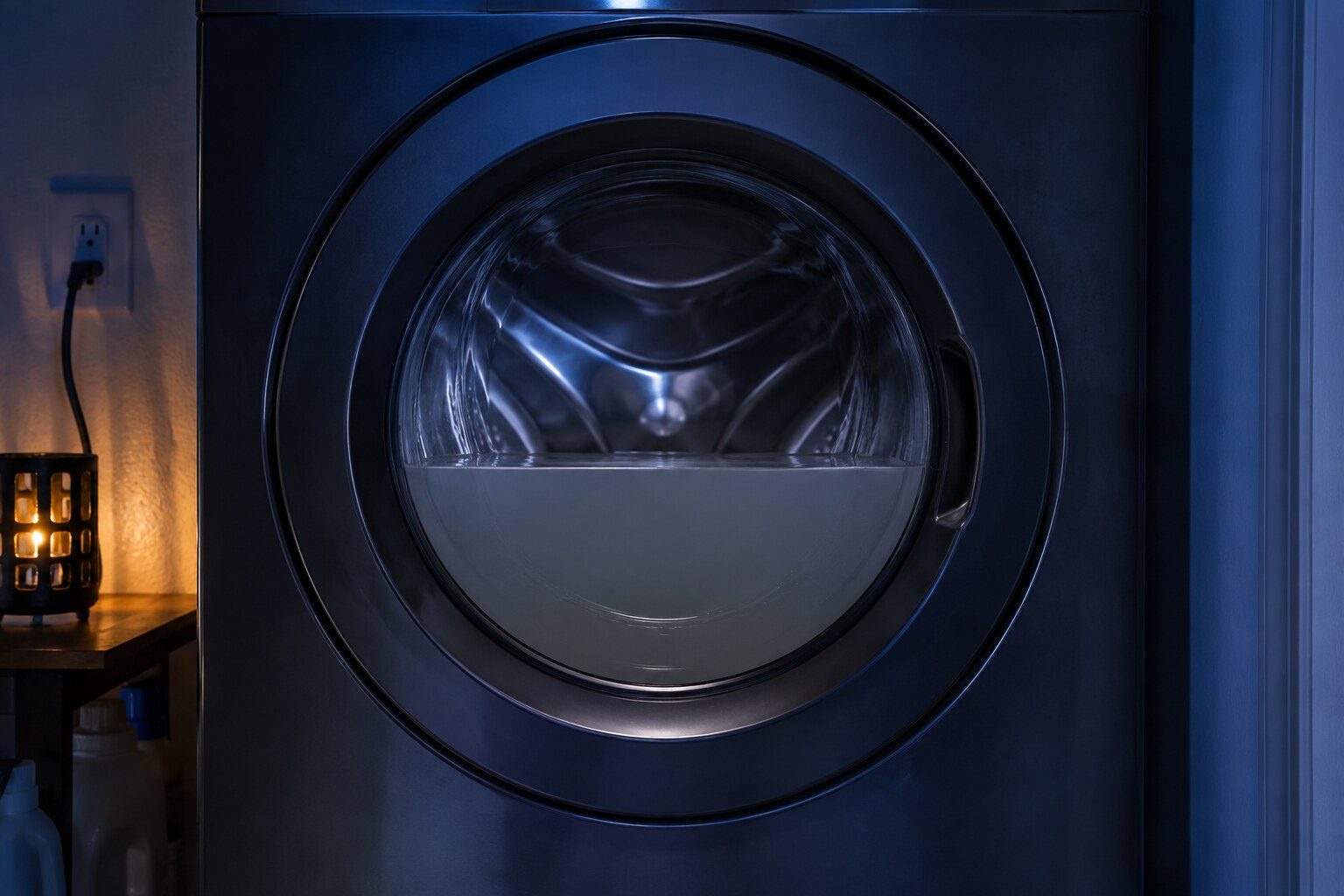
- “The debris filter holds more water than anyone expects — bring a tray”
- “How far the hose goes into the standpipe matters, in both directions”
- “5C and the blinking Small or Low light are the same condition”
Symptom
Samsung washer will not drain
Samsung reports it as 5C or nd, or as a single blinking cycle light. Behind it there is a filter most owners have never opened, a hose that is wrong more often than it is right, and only then a pump.
- From $95 diagnostic, credited to the repair
- 59 cities and neighborhoods covered
- OEM parts available on order
- In writing the price, before anything is opened
Four ordinary causes
What this usually turns out to be
Cheapest and commonest first, which is also the order we check them in. They sit hundreds of dollars apart, and only the unit settles which one is yours.
-
The debris filter
Coins, hair clips, underwires and lint. The commonest cause and it costs nothing.
Washer drain pump replacement from $175 -
The drain hose
Kinked, pushed too far into the standpipe so it siphons, or not far enough so it comes out under pressure.
Washer drain pump replacement from $175 -
Excessive suds
Samsung's SUd. A drum full of foam can report as a drain problem and clears itself once the foam does.
Diagnostic visit from $95 -
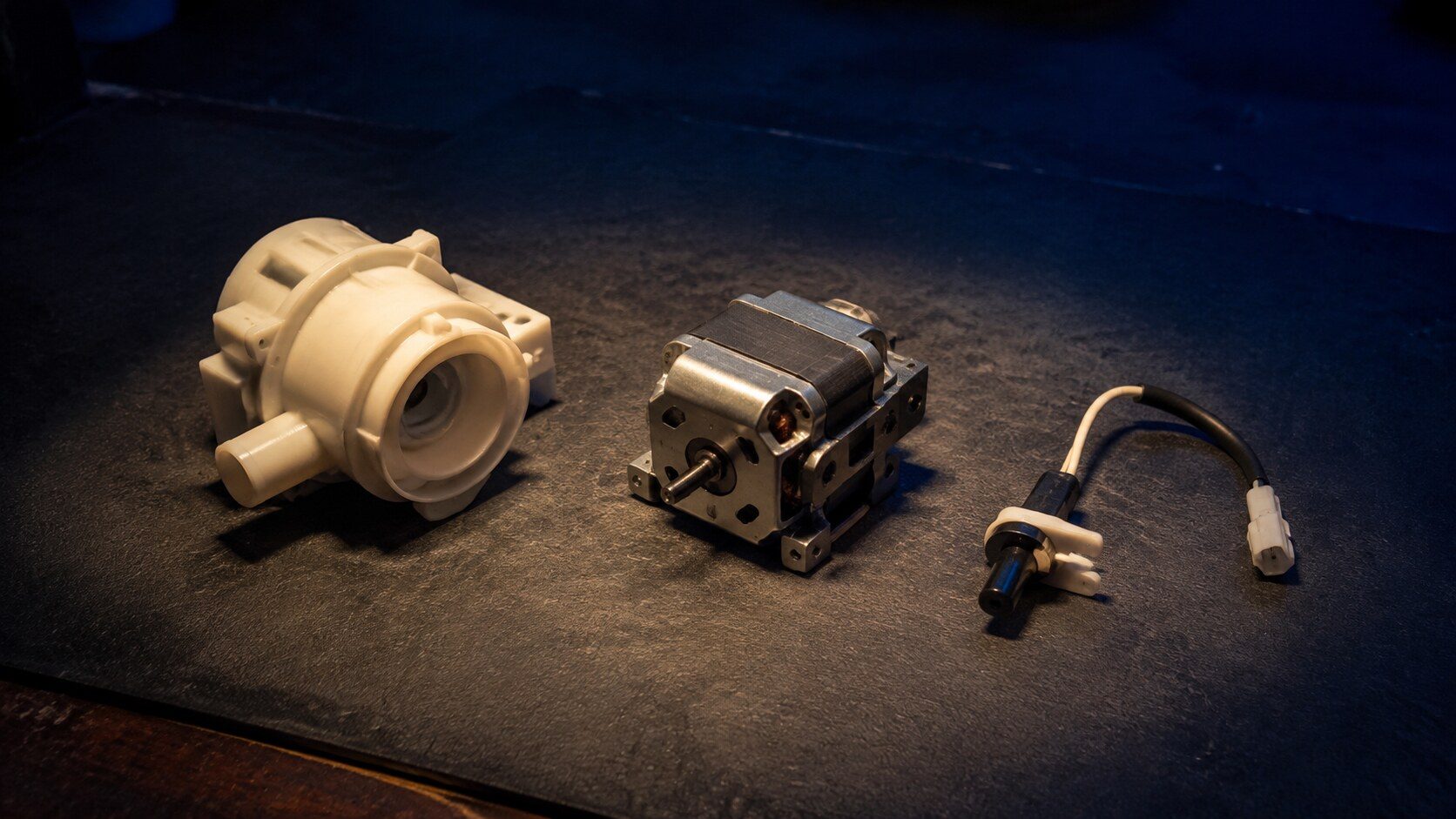
The drain pump
Tested, not assumed. Running with nothing moving is a different part from not running at all.
Washer drain pump replacement from $175
In five minutes
Before you call anybody
None of it needs tools, and all of it makes the visit shorter.
-
01
Open and clean the debris filter
Lower front panel on a front loader. Tray and towel first.
-
02
Check the hose
No kinks, and inserted between about six and eight inches into the standpipe.
-
03
Consider the detergent
Too much, or a non-HE detergent, produces foam that reads as a drain problem.
-
04
Run a rinse and spin and listen
A pump that hums and moves nothing, versus one that is silent, are different repairs.
How it shows up
What people describe when they call
A shortcut
Narrow it down before anybody arrives
A description of the behaviour leaves a few possible causes. A code names the subsystem before anybody opens anything, which is why it is worth photographing before it clears.
If there is no code at all
BNDL
WA45T3200AW
WA46CG3505AVA4
WA46CG3505AWA4
WA47CG3500AVA4
WD53DBA900HBA1
WF53BB8700AVUS
WH46DBH100EWA3
WW25B6900AW
The data plate is inside the cabinet, upper left wall or behind the grille. All models
In more detail
About Samsung washer will not drain
Bring a towel
The debris filter behind the lower panel is the first thing to open and it will release more water than you are expecting — a shallow tray and a towel, not a cup. What comes out of it is usually the answer, and it is free.
What it usually means, by the kind of Samsung appliance
Samsung sells one appliance in several forms, and the same behavior points at different things on each of them. A built-in side-by-side and an integrated column are not the same service situation, and a dual-fuel range and an induction range fail in different halves.
- Front load — The debris filter is behind a small panel at the bottom front, and it is where coins and underwires end up.
- Top load — Often no accessible filter, so the hose and the pump carry more of the diagnosis.
- FlexWash and combos — Two units or two functions, so establish which half is reporting before opening anything.
The filter nobody opens
Front-load Samsung washers have a debris filter behind a small door at the bottom front of the cabinet. It is designed to be opened by the owner, it has a small drain hose beside it for exactly that purpose, and in our experience most households have never opened it. It is the first thing we go to and it is very often the whole visit.
Why the standpipe depth matters
Too far in and the drain siphons continuously, so the machine keeps refilling and never gets where it expects to be. Not far enough and the hose can jump out under pressure. Samsung publishes a depth for this and it is one of the few installation numbers worth knowing.
This article is based on:
- Official manufacturer documentation
- Internal repair procedures
- Technician repair history
- Company quality standards
Before you book
Questions about Samsung washer will not drain
It drains if I run a rinse and spin on its own.
That points at a restriction rather than a dead pump — the machine can do it when it has the whole cycle to itself. A filter or a hose is the likely answer.
There is a smell as well as the water.
Standing water and a filter full of lint produce exactly that. Cleaning the filter usually deals with both at once.
Where we do it
Across Miami-Dade, Broward, and Palm Beach
Same terms everywhere we go: an on-site diagnostic first, the price agreed in writing, and the exact figure confirmed once we have seen the unit.
Neighborhoods people ask for by name