- “Forty published combinations, and sixteen distinct meanings behind them”
- “Write down which lights before you switch anything off”
- “Blinking alone is not always an error — Samsung says so”
Symptom
Samsung dishwasher lights blinking
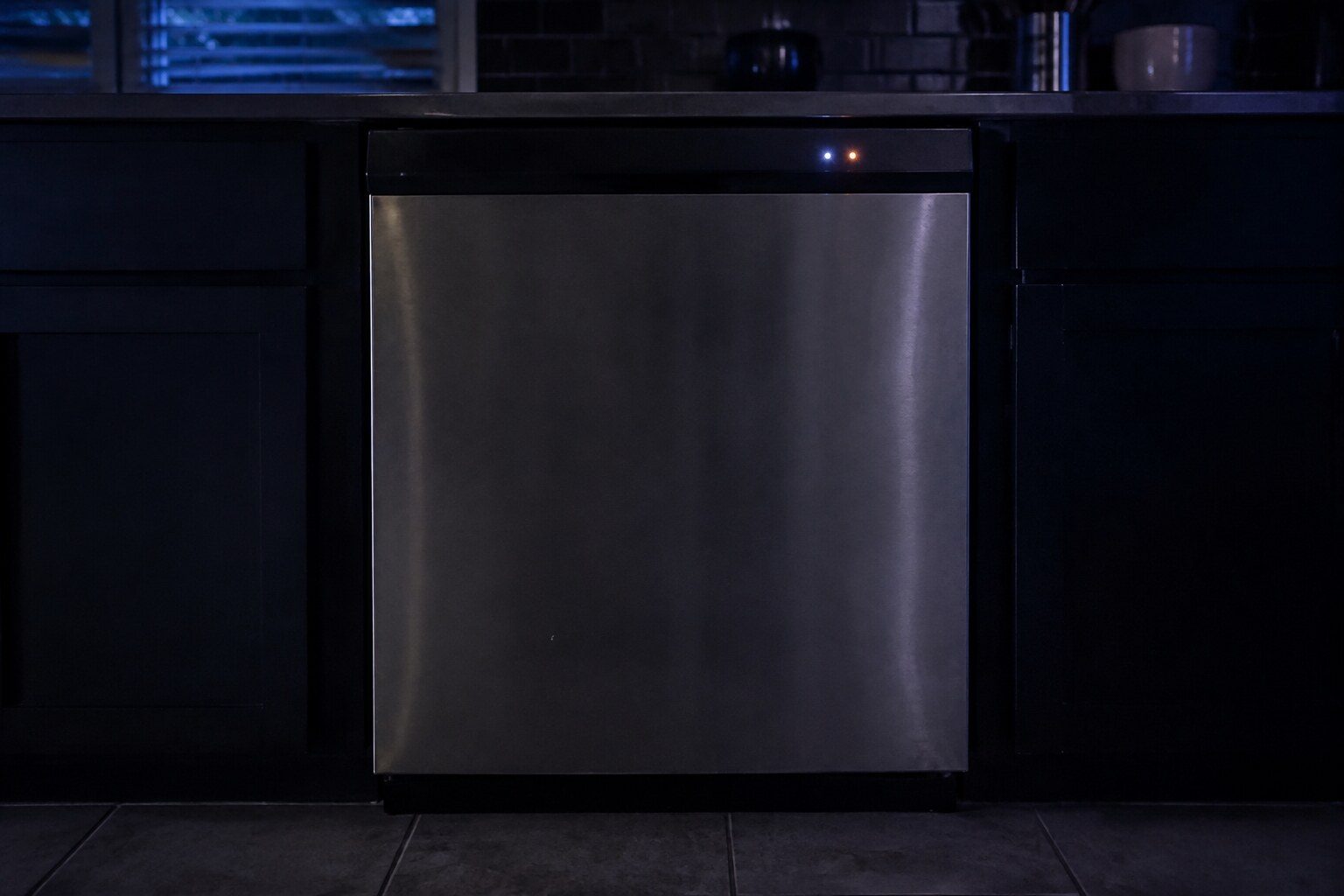
On Samsung dishwashers without a digital display, the cycle lights are the code. Samsung publishes forty combinations and what each of them means — and it also says something that saves service calls: on some models the lights blink to show cycle status, so it is only an error if the machine is misbehaving as well.
- From $95 diagnostic, credited to the repair
- 59 cities and neighborhoods covered
- OEM parts available on order
- In writing the price, before anything is opened
Five ordinary causes
What this usually turns out to be
Cheapest and commonest first, which is also the order we check them in. They sit hundreds of dollars apart, and only the unit settles which one is yours.
-
Water supply
Five of the forty combinations. Pressure or temperature at the inlet.
Dishwasher drain repair from $145 -
Water level or drainage
Too much or too little water, or a machine that cannot empty.
Dishwasher drain repair from $145 -
Heat and temperature sensing
Several combinations covering the heater, the thermistor and water that is too hot.
Dishwasher wash performance service from $125 -
The leak sensor
Two combinations, and the machine will turn itself on and drain while it reports.
Dishwasher leak repair from $155 -
Cycle status
Not an error at all. Samsung says plainly that some models blink to show status.
Diagnostic visit from $95
In five minutes
Before you call anybody
None of it needs tools, and all of it makes the visit shorter.
-
01
Photograph the panel
Easier than writing it down and it captures which lights are on rather than blinking.
-
02
Ask whether anything is actually wrong
Not draining, not filling, not finishing, not cleaning. If none of those, it may be status.
-
03
Note whether it happens at the same point every cycle
That timing is worth as much as the combination.
-
04
Only then cut the power
Two to three minutes, then restart the cycle and see whether it returns.
How it shows up
What people describe when they call
A shortcut
Narrow it down before anybody arrives
A description of the behaviour leaves a few possible causes. A code names the subsystem before anybody opens anything, which is why it is worth photographing before it clears.
If there is no code at all
The data plate is inside the cabinet, upper left wall or behind the grille. All models
In more detail
About Samsung dishwasher lights blinking
Write it down first
The exact combination is the entire diagnosis on these machines and it disappears the moment the power goes. Before you switch anything off, note which lights are blinking — all of them, in order — and whether they are steady or flashing. Then ask the second question Samsung asks: is the machine actually failing at something, or is it only blinking?
What it usually means, by the kind of Samsung appliance
Samsung sells one appliance in several forms, and the same behavior points at different things on each of them. A built-in side-by-side and an integrated column are not the same service situation, and a dual-fuel range and an induction range fail in different halves.
- Auto, Quick or Smart Auto alone — Water supply — pressure or temperature. The most common of the whole set.
- Heavy with something — Usually water level, heat or the leak sensor depending on the partner light.
- All four or more together — Communication between the panel and the main board.
- Anything else — Samsung publishes the rest, and also says the list is what it is — a combination that is not on it, on a machine that is working, is probably status.
A second language, published in full
Samsung is one of very few makes that publishes a complete mapping for its blinking-light reporting rather than treating it as a service secret. Forty combinations, each with a meaning. Sixteen distinct conditions sit behind those forty, which is why this site groups them by meaning rather than making forty near-identical pages — but every combination Samsung names is printed on the page that owns it.
The instruction that saves a visit
Samsung's own caution is worth repeating: blinking lights do not always indicate an error, and on some models the current cycle status causes them. Before treating a combination as an error report, check whether the machine is failing at anything. A dishwasher that blinks and washes perfectly is usually telling you where it is in the cycle.
This article is based on:
- Official manufacturer documentation
- Internal repair procedures
- Technician repair history
- Company quality standards
Before you book
Questions about Samsung dishwasher lights blinking
The lights blink and then it carries on normally.
Then it is very likely status rather than an error, which is exactly the case Samsung warns about. Note the combination anyway; if something does go wrong later, you will already have it.
Can I look the combination up myself?
Yes — each combination on this site is on the page for what it means, with the other combinations that mean the same thing listed beside it. Search for the lights you see.
Where we do it
Across Miami-Dade, Broward, and Palm Beach
Same terms everywhere we go: an on-site diagnostic first, the price agreed in writing, and the exact figure confirmed once we have seen the unit.
Neighborhoods people ask for by name